TextPixie
AI translator converting text, images, audio, documents into 100+ languages with free tools.
Screenshots
Overview
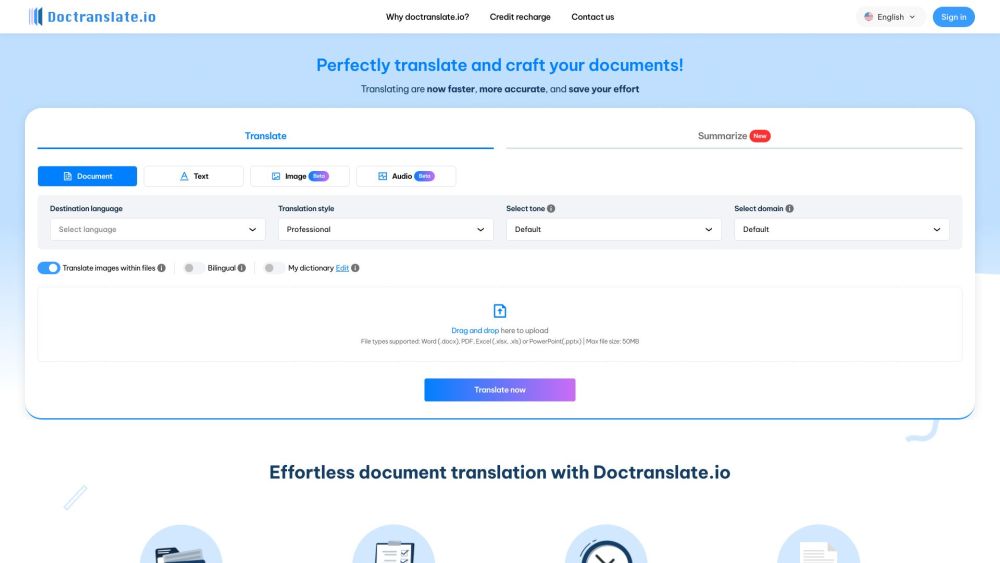
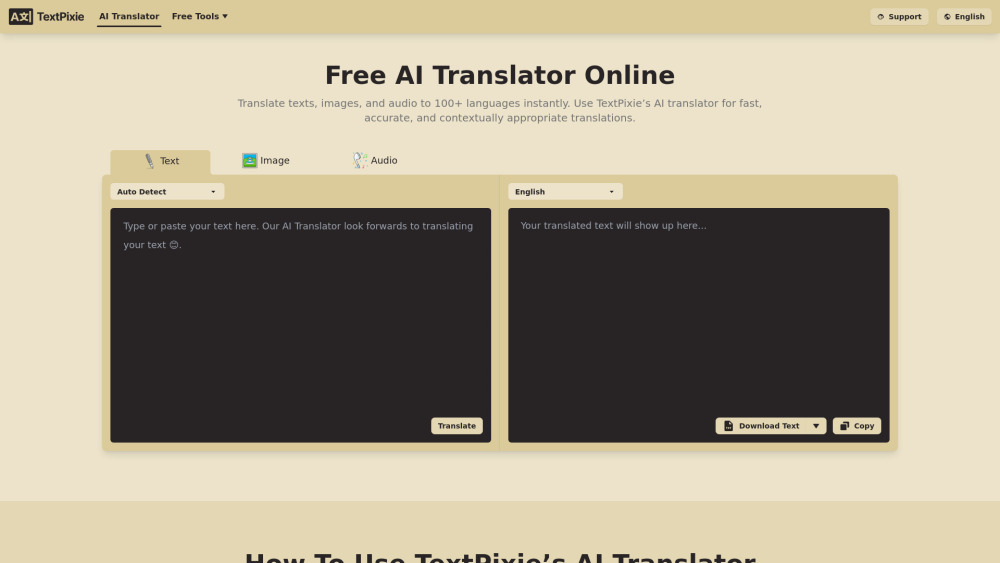
TextPixie is a translation platform that converts content across formats and languages. Its AI translator handles text, images, audio files, documents, and web articles, producing natural translations in over 100 languages with real contextual understanding. That makes it useful for personal communication, study, travel, and professional localization. Free companion tools like Image to Text and Audio to Text converters let users extract text from pictures and recordings, then translate it as needed. Users go from an untranslated screenshot or voice memo to a polished translation without switching services.
How to Use
Paste text, upload an image, audio file, or document, then select the target language from over 100 options. The AI translates the content instantly, and you can copy or download the result for free without signing up.
Core Features
Use Cases
- 1 Translate text, images, audio, documents, or web articles into 100+ languages.
Frequently Asked Questions
What is TextPixie?
What does TextPixie offer?
Is it free to use?
What types of content can I translate?
How accurate are the translations?
Can I use it on mobile devices?
Is my data secure?
How can I get support if I encounter issues?
Quick Info
- Category
- Voice Generation & Conversion
- Subcategory
- Audio To Text AI
- Added on
- Sep 04 2024
- Monthly Visits
- 46.3K
- Rating
- 5.0 / 5.0
- Saved
- 1