GetBotAI
AI assistant for browsing, reading, and writing with AI tools.
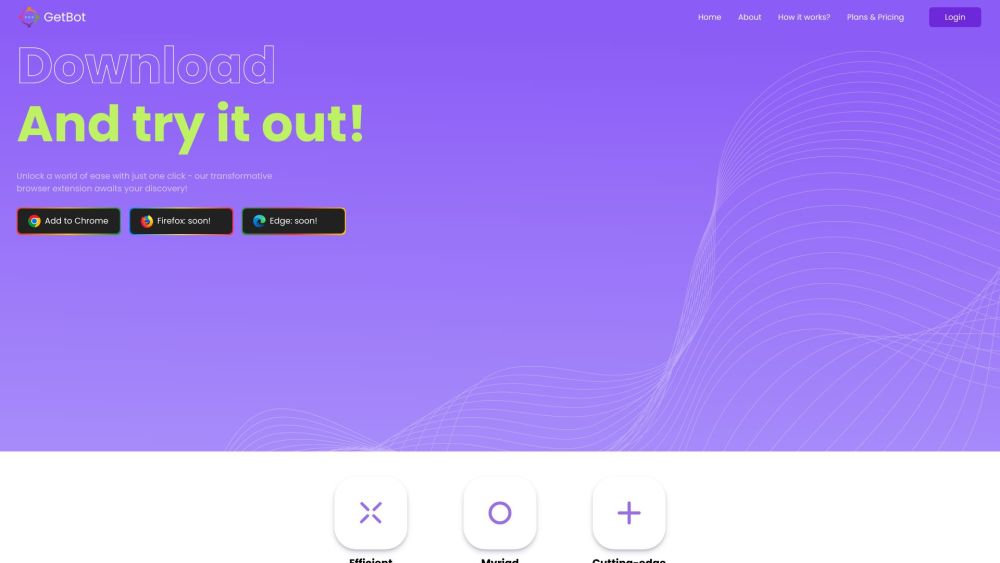
Screenshots
Overview
GetBotAI is a versatile AI assistant designed to streamline your digital workflow across browsing, reading, and writing tasks. It integrates AI-powered tools directly into your daily online activities, helping you process information faster, generate content, and enhance productivity. Whether you're researching, drafting documents, or simply navigating the web, GetBotAI acts as a supportive companion. It is ideal for students, professionals, and casual users who want a smarter, more efficient way to interact with online content without switching between multiple applications.
How to Use
Install GetBotAI, then activate the assistant while browsing to get help with reading articles, writing responses, and accessing AI tools directly from your browser. Use it to summarize content or draft text without switching tabs.
Core Features
Use Cases
- 1 Summarizing YouTube videos
- 2 Chatting with AI assistants while browsing
- 3 Generating images with AI
- 4 Detecting AI-generated content
- 5 Reading and writing articles with AI assistance
Frequently Asked Questions
What is GetBotAI?
How can I use GetBotAI?
Is GetBotAI free?
How does GetBotAI work?
What should I do if something went wrong?
Why do I see 'We detect suspicious activity'?
What should I do if there was a problem preparing my chat?
What should I do if I see a blank message?
Quick Info
- Category
- Voice Generation & Conversion
- Subcategory
- Audio To Text AI
- Added on
- Aug 21 2023
- Monthly Visits
- --
- Rating
- 5.0 / 5.0
- Saved
- 4


