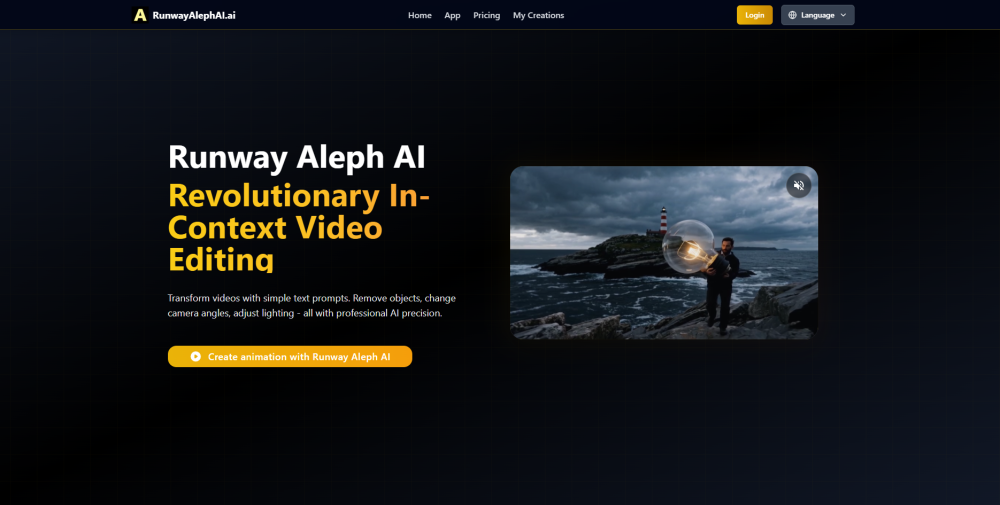
Runway Aleph AI
AI video editor for transforming existing videos.
5.0
Rating
--
Visits/mo
Screenshots
Overview
Runway Aleph AI is a sophisticated video editing tool that leverages artificial intelligence to help users transform existing videos. It offers a range of AI-powered features that allow filmmakers, content creators, and video editors to apply creative effects, manipulate footage, and enhance visual storytelling without advanced technical skills. By automating complex editing processes, it makes professional-level video transformation accessible to a broader audience.
How to Use
Upload a video to Runway Aleph AI, then use its editing tools to modify scenes, apply effects, or transform content. Preview changes in real time and export the edited video.
Core Features
AI video transformation Real-time preview Scene editing Effect application Video export
Use Cases
- 1 Transforming existing footage into cinematic masterpieces
- 2 Filmmakers and content creators seeking professional video editing results
- 3 Removing unwanted objects in post-production without reshoots
- 4 Adjusting lighting conditions to change mood and atmosphere
- 5 Generating new camera angles from existing footage
- 6 Integrating into studio pipelines for video post-production
Frequently Asked Questions
How is Runway Aleph AI different from other video editing tools?
It uses AI to perform edits through natural-language instructions and in-context manipulation, rather than manual timeline cutting and keyframing.
What editing capabilities does Runway Aleph AI support?
It supports object removal, style changes, content additions, background replacement, and other AI-driven in-video transformations.
Can Runway Aleph AI handle complex video scenes?
Yes, it can process multi-subject and dynamic scenes, though results may vary with very fast motion or heavy occlusion.
What is in-context editing in Runway Aleph AI?
In-context editing lets you describe or select changes in plain language and the AI applies them while preserving the rest of the scene.
How accurate is Runway Aleph AI's object removal?
It is generally accurate for clearly defined objects but may need cleanup on complex backgrounds or partially overlapping subjects.
How do I get started with Runway Aleph AI?
Sign in to your Runway account, upload a video, and start describing edits in the Aleph interface to see results in real time.
Quick Info
- Category
- Image Generation & Editing
- Subcategory
- Object Remover AI
- Added on
- Aug 04 2025
- Monthly Visits
- --
- Rating
- 5.0 / 5.0
Official Links
Related Tools

remove.bg
5.0 Object Remover AI

WatermarkRemover.io
5.0 Object Remover AI

Clipdrop
5.0 Text to Image

REimagineHome
5.0 Object Remover AI

Eazy Editor
5.0 Object Remover AI

Hotpot.ai
5.0 Object Remover AI
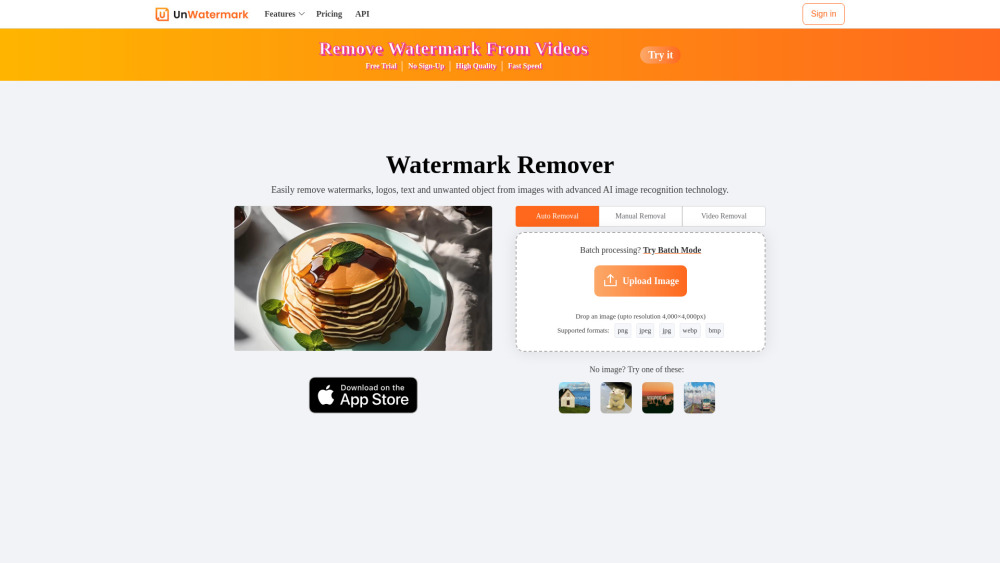
Unwatermark AI
5.0 Object Remover AI

HAMA | AI Object remover, Image Eraser
5.0 Object Remover AI