Unwatermark AI
AI-powered tool to remove watermarks from images and videos.
Screenshots
Overview
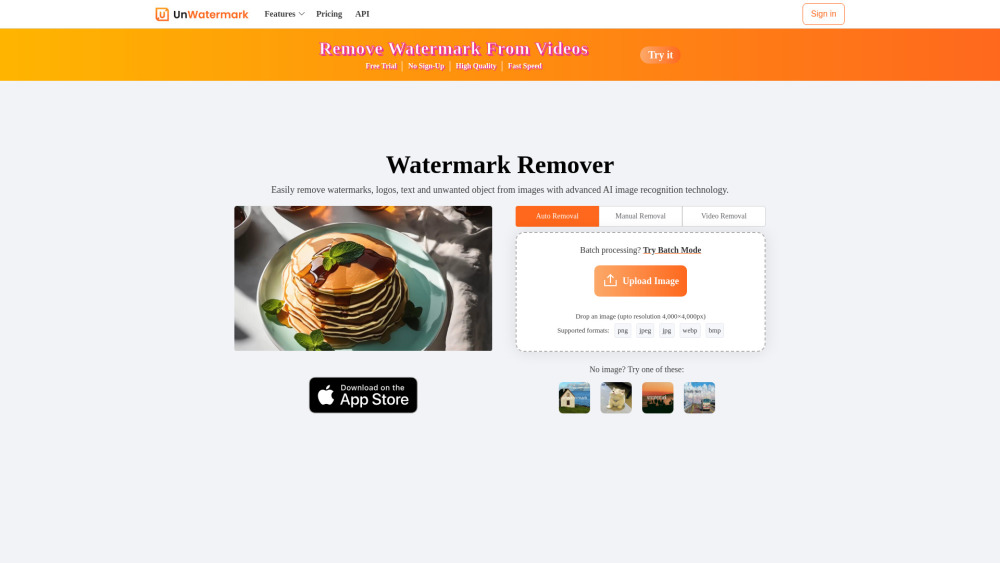
Unwatermark AI is an advanced web-based tool that removes watermarks, logos, text, and other unwanted objects from both images and videos. It combines automatic detection, which clears common overlays on its own, with a manual brush tool for tricky watermarks that sit close to important detail. Batch processing cleans up multiple images in one pass, while the output engine preserves the original quality of the content. The platform runs entirely in the browser, works across PC, Android, and iOS, and accepts common image and video formats. Content creators, editors, and everyday users who repurpose watermarked media will appreciate the blend of automation and precision.
How to Use
Upload an image or video file containing a watermark to the platform. The AI automatically detects and removes the watermark, then you can preview and download the cleaned file in its original format.
Core Features
Use Cases
- 1 Managing and cleaning content materials effectively by removing watermarks from images and videos.
- 2 Quickly and efficiently handling various types of watermarks for content creation.
- 3 Assisting students in daily studies and creative projects by removing watermarks.
- 4 Removing watermarks from content sourced from platforms like YouTube, TikTok, and Instagram.
- 5 Cleaning AI-generated images or videos by removing their watermarks.
Frequently Asked Questions
Is Unwatermark AI free to use?
What are Credits and how do they work?
Can I cancel my subscription?
Can I Request a Refund?
Is your payment service secure?
How to Contact Us?
What file types does Unwatermark support for watermark removal?
Can I remove watermarks from AI-generated images or videos?
Does Unwatermark support batch watermark removal?
Does Unwatermark support usage on Android or iOS devices?
Will purchased credits expire?
How do I need to choose the right package?
Quick Info
- Category
- Image Generation & Editing
- Subcategory
- Object Remover AI
- Added on
- Jun 11 2025
- Monthly Visits
- 944.0K
- Rating
- 5.0 / 5.0
- Saved
- 5


