GPT Image Analysis Chrome Extension
Chrome extension using GPT Vision for image analysis to aid in exam preparation.
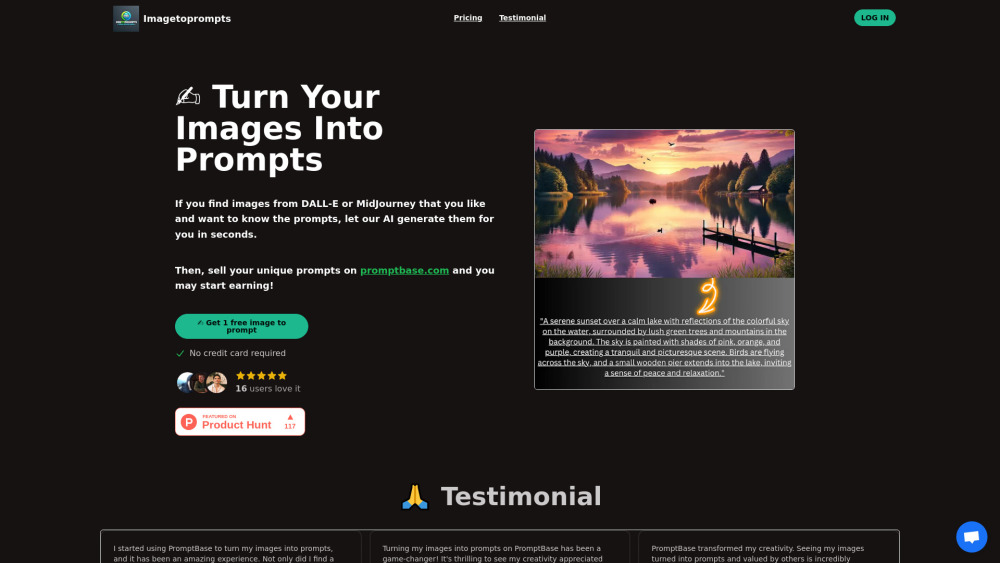
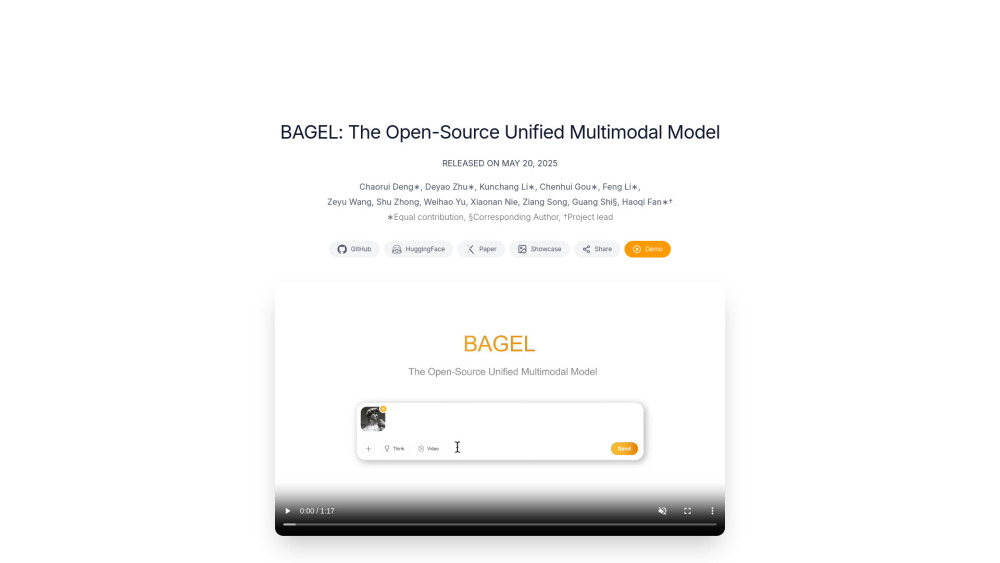
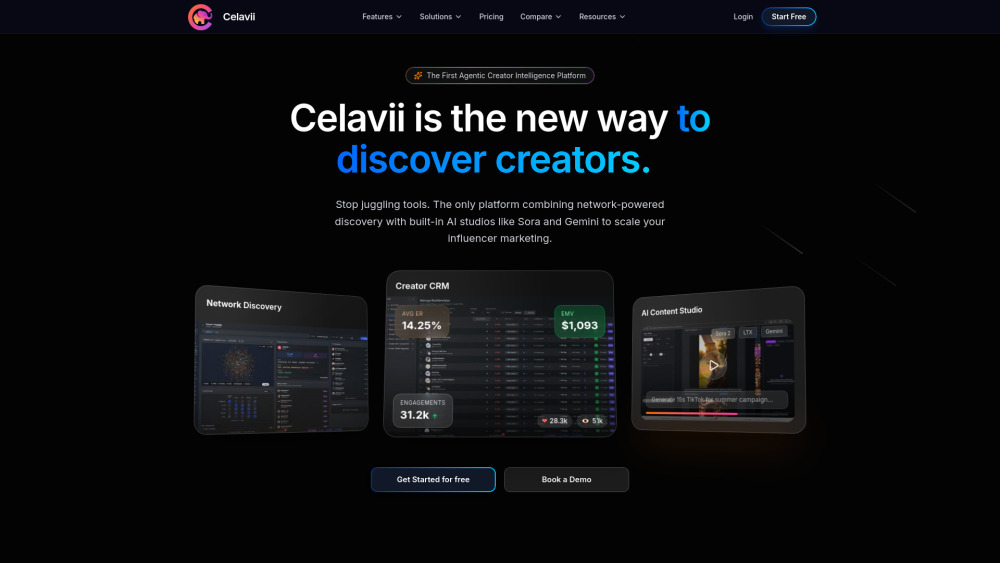
Screenshots
Overview
GPT Image Analysis Chrome Extension is a browser tool that leverages GPT Vision technology to analyze images, specifically designed to aid in exam preparation. Users can upload or paste images of notes, diagrams, or textbook pages, and the extension provides detailed explanations, summaries, and answers to related questions. This makes it a powerful study companion for students across various subjects, helping them understand complex concepts through visual learning. By combining advanced AI with everyday browsing, it creates a smarter, more interactive way to prepare for exams.
How to Use
Add the Chrome extension and open an image from your study materials, like diagrams or equations. It sends the image to GPT Vision, which analyzes it and returns a explanation or breakdown to help you understand the content.
Core Features
Use Cases
- 1 Analyzing diagrams and charts in study materials
- 2 Extracting information from images in exam questions
- 3 Understanding the context of visual content in assessments
Frequently Asked Questions
What is GPT Vision?
How does the extension help with exam preparation?
Quick Info
- Category
- Image Analysis
- Subcategory
- AI Describe Image
- Rating
- 5.0 / 5.0