AirTouch
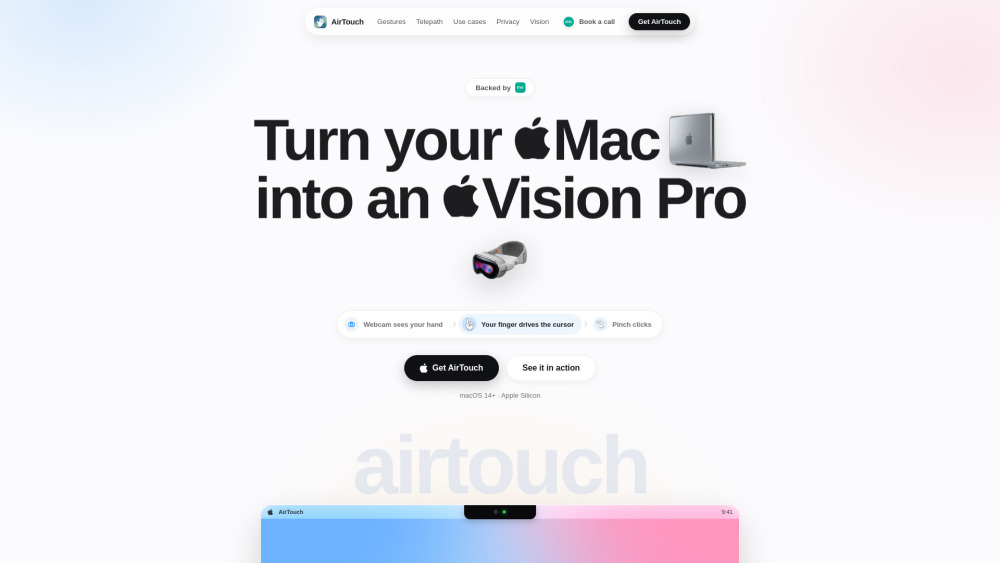
Mac gesture controller using webcams for hands-free system navigation and dictation.
Screenshots
Overview
AirTouch transforms your Mac into a hands-free device by using its webcam to track your gestures. This controller allows you to navigate your system, switch applications, and even dictate text without touching the keyboard or mouse. By interpreting hand movements and body signals in real time, it creates a truly touchless computing experience. Ideal for presenters, individuals with mobility issues, or anyone who wants to reduce physical strain, AirTouch brings a futuristic level of convenience to your daily workflow. It's an innovative accessibility tool that redefines how you interact with your computer.
How to Use
Install AirTouch and grant camera access to your Mac. Calibrate the webcam to recognize your hand gestures, then use predefined motions to control the cursor, click, scroll, and launch system functions. Enable dictation mode to speak commands for hands-free text input.
Core Features
Use Cases
- 1 Navigating digital slide presentations hands-free from across the room using swipe gestures
- 2 Scrolling through cooking recipes on a Mac screen while hands are covered in flour
- 3 Instantly muting audio or pausing video playback from a couch without touching the keyboard
- 4 Executing custom multi-app morning routines with a single custom fist-bump pose
- 5 Dictating punctuated, filler-free text into email clients and document editors 4x faster than typing
Frequently Asked Questions
What is AirTouch?
Does AirTouch need any extra hardware or a special camera?
Which Macs does AirTouch support?
Is AirTouch private? Does it record or upload video?
What is Telepath?
Quick Info
- Category
- Voice Generation & Conversion
- Subcategory
- AI Speech-to-Text
- Added on
- Jun 25 2026
- Monthly Visits
- --
- Rating
- 5.0 / 5.0






