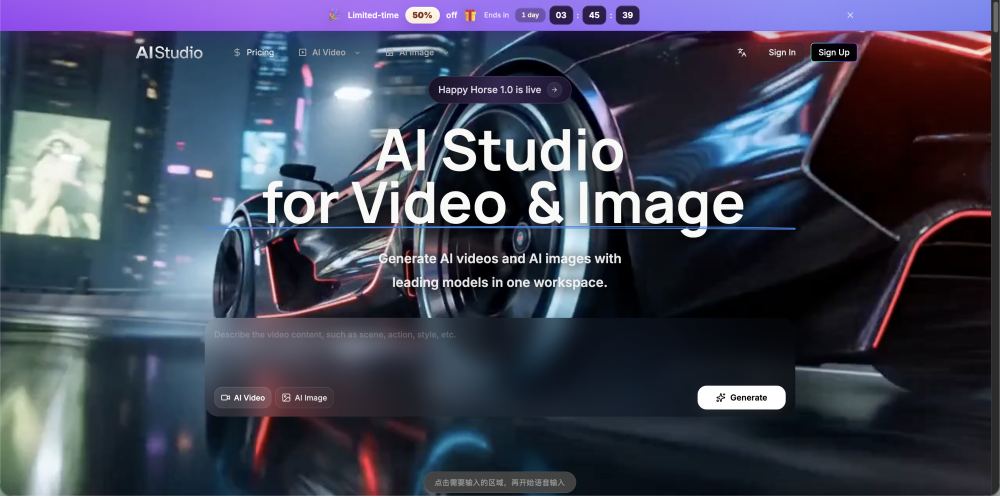
AI Studio for Video
AI Studio for Video is an all-in-one AI creative workspace for AI video generation and AI image generation. Create Text-to-Video, Image-to-Video, Text-to-Image, Image-to-Image, plus reference-driven shot control.
Screenshots
Overview
AI Studio for Video is an all-in-one creative workspace that unifies a powerful suite of AI-driven multimedia tools under one roof. Primarily focused on video and image generation, it offers Text-to-Video, Image-to-Video, Text-to-Image, and Image-to-Image capabilities, bringing your written narratives and still frames to life with seamless motion. The platform goes further with reference-driven shot control, allowing directors, marketers, and content creators to maintain precise compositional consistency across scenes. This comprehensive approach streamlines the entire visual production pipeline, from concept storyboarding to final render. By integrating multiple generators into one coherent interface, AI Studio for Video reduces workflow friction and empowers users to produce cinematic-quality content, whether for short-form social media, professional portfolios, or full-scale commercial projects.
How to Use
Input your text script or source image, select a target resolution and aspect ratio, and adjust reference parameters for shot control. Click generate, review real-time previews, and export your final video or image in the desired format.
Core Features
Use Cases
- 1 Product ads & marketing
- 2 Ecommerce product images
- 3 Short-form video content
- 4 Storyboards & concept frames
- 5 Thumbnails & banner images
- 6 Brand & creative production
- 7 Concept art & design iterations
Frequently Asked Questions
What types of video and image generation are supported in AI Studio for Video?
Can I edit and combine videos and images in the same workspace?
Do I need a powerful computer to run AI Studio for Video?
Quick Info
- Category
- Image Generation & Editing
- Subcategory
- Text to Image
- Added on
- May 04 2026
- Monthly Visits
- --
- Rating
- 5.0 / 5.0


