Omniaxe
Chrome extension for streamlined data extraction, note-taking, and research analysis.
Screenshots
Overview
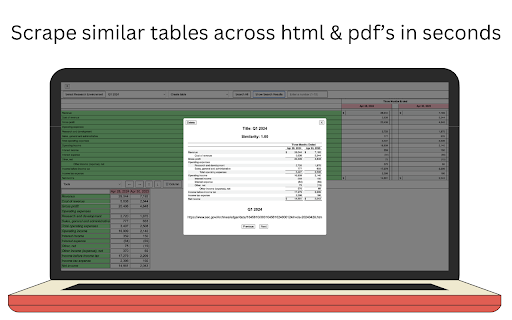
Omniaxe is a Chrome extension built for researchers, analysts, and knowledge workers who need to capture and organize information quickly. It streamlines the entire research process by enabling effortless data extraction, note-taking, and analysis directly within the browser. Whether you're synthesizing articles, gathering competitive intelligence, or compiling reports, Omniaxe reduces manual effort, helping you focus on drawing insights rather than managing scattered tabs and documents.
How to Use
Install Omniaxe in Chrome, then activate it on any page to extract data or take notes. Use the tool to capture research materials, organize your findings, and analyze content directly in the browser. It streamlines your workflow by keeping all research tasks in one extension.
Core Features
Use Cases
- 1 Extracting tables from web pages for data analysis
- 2 Summarizing research notes using AI
- 3 Organizing research findings in a centralized location
Frequently Asked Questions
What types of data can Omniaxe extract?
Does Omniaxe offer AI-powered analysis?
Where are my notes stored in Omniaxe?
Quick Info
- Category
- Writing & Editing
- Subcategory
- AI Summarizer
- Rating
- 5.0 / 5.0



