Omniaxe
Chrome extension for streamlined data extraction, note-taking, and research analysis.
5.0
Rating
Screenshots
Overview
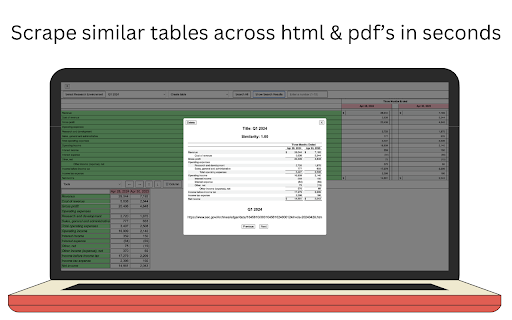
Omniaxe is an all-in-one Chrome extension designed to enhance research productivity. It streamlines data extraction, note-taking, and analysis directly from your browser, catering to analysts, researchers, and students.
How to Use
Install the Omniaxe Chrome extension to effortlessly capture and extract data, take notes, and analyze information directly within your browser.
Core Features
Seamless Data Extraction from HTML and PDFs AI-Powered Analysis of Notes and Data Centralized Note-Taking with Tagging and Search Streamlined Research Workflow
Use Cases
- 1 Extracting tables from web pages for data analysis
- 2 Summarizing research notes using AI
- 3 Organizing research findings in a centralized location
Frequently Asked Questions
What types of data can Omniaxe extract?
Omniaxe can extract text, tables, and structured data from web pages for research and analysis.
Does Omniaxe offer AI-powered analysis?
Yes, Omniaxe includes AI-powered analysis to help you summarize and analyze the data you extract.
Where are my notes stored in Omniaxe?
Your notes are stored in your Omniaxe account and sync across devices through the extension.
Quick Info
- Category
- Writing & Editing
- Subcategory
- AI Summarizer
- Rating
- 5.0 / 5.0



