FileGPT
GPT-AI powered app to chat with various file types for quick and accurate answers.
Screenshots
Overview
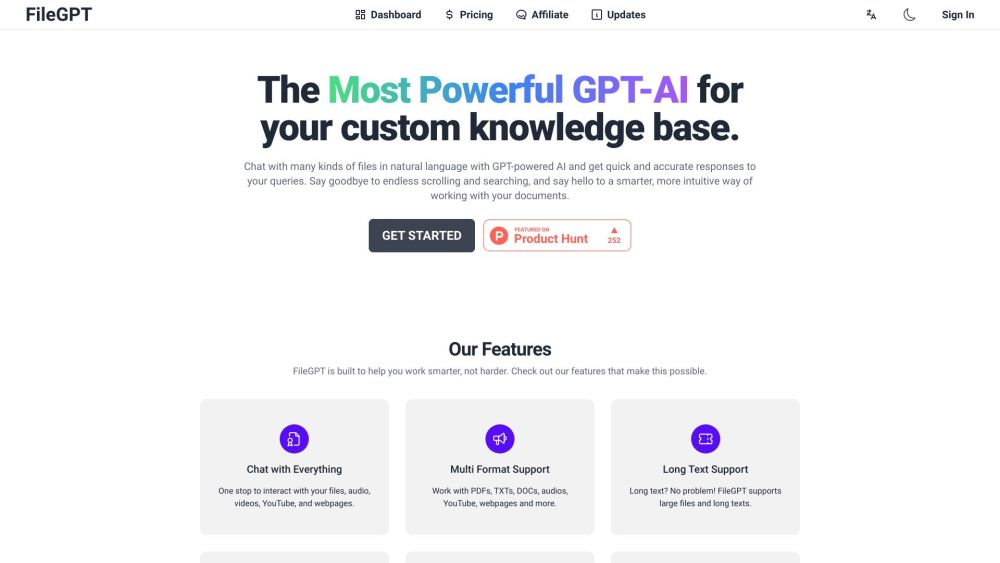
FileGPT is a GPT-AI powered app that lets you chat directly with your own files, covering everything from documents to spreadsheets. Instead of manually searching through content, you can ask questions and receive accurate answers drawn from the specific material you provide. This makes it an excellent tool for professionals, students, and researchers who work with dense or lengthy documents. By combining conversational AI with personal data, FileGPT turns static files into an interactive resource, saving time and improving accessibility to the information you need.
How to Use
Upload supported file types—like PDFs, Word docs, or text files—into FileGPT, then ask questions in a chat interface. The GPT-AI reads the content and extracts accurate answers, citing relevant sections. You can iterate with follow-up queries to drill deeper into the material.
Core Features
Use Cases
- 1 Quickly find information within large documents
- 2 Summarize content from multiple sources
- 3 Extract key insights from audio and video files
- 4 Create reading responses effortlessly
- 5 Handle files and online content efficiently
Frequently Asked Questions
What is FileGPT?
Can I try it for Free?
What kind of plans are offered?
How long will I have access to FileGPT?
Why should I use FileGPT other than ChatPDF or ChatDOC?
What kind of files does FileGPT support?
Quick Info
- Category
- Writing & Editing
- Subcategory
- AI Summarizer
- Added on
- May 13 2023
- Monthly Visits
- 9.8K
- Rating
- 5.0 / 5.0
- Saved
- 3



