Silly AI's ChatGPT Chrome Extension
A ChatGPT-powered Chrome extension for writing, rewriting, summarizing, and translating text on any website.
Screenshots
Overview
Silly AI's GPT-powered Chrome extension brings the capabilities of ChatGPT to any website you visit. It allows users to write, rewrite, summarize, and translate text directly within their browser, eliminating the need to copy-paste content between tabs. This seamless integration is especially beneficial for professionals managing emails, students taking notes, or multilingual users needing quick translations. By offering a versatile suite of text-processing tools in a lightweight extension, it enhances productivity without disrupting your browsing experience. If you frequently work with text online, this tool offers a straightforward way to get AI assistance precisely where you need it.
How to Use
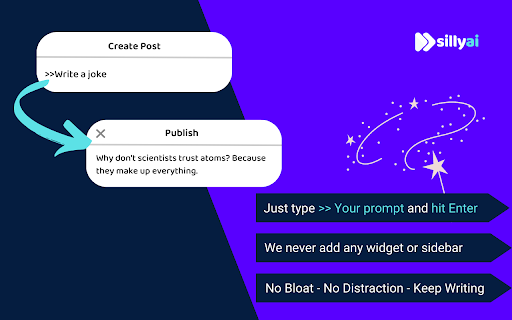
Install the extension, then select any text on a webpage. Choose from options like rewrite, summarize, or translate via the context menu, and ChatGPT processes the request. The result appears in a popup or replaces the selected text.
Core Features
Use Cases
- 1 Drafting emails
- 2 Creating social media content
- 3 Filling out job applications
- 4 Writing comments
- 5 Summarizing articles
- 6 Translating text on websites
Frequently Asked Questions
Do I need a ChatGPT (OpenAI) account to use Silly AI's ChatGPT extension?
How do I use Silly AI's ChatGPT extension?
Is my writing history?
How many free tokens do I get?
Quick Info
- Category
- Writing & Editing
- Subcategory
- AI Summarizer
- Rating
- 5.0 / 5.0
- Saved
- 1


