Silly AI's ChatGPT Chrome Extension
A ChatGPT-powered Chrome extension for writing, rewriting, summarizing, and translating text on any website.
Screenshots
Overview
Silly AI's ChatGPT Chrome Extension is a writing assistant tool designed to simplify and enhance the writing process. It integrates ChatGPT functionality directly into your browser, allowing you to generate text, rewrite content, summarize information, translate languages, explain concepts, and reply to texts on virtually any website. It aims to provide a seamless, widget-free experience, eliminating the need for copy-pasting or switching between tabs.
How to Use
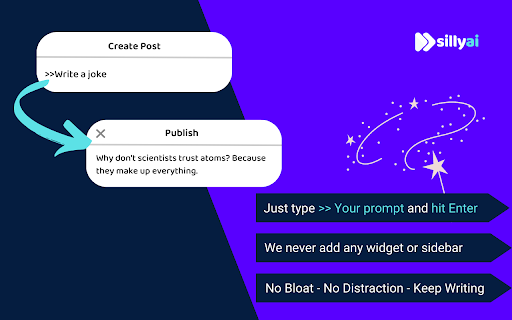
To use Silly AI's ChatGPT Chrome Extension, install it from the Chrome Web Store, refresh your open tabs, and then type '>>' followed by your prompt and hit Enter or Return. The AI will generate the requested text directly on the page you're working on.
Core Features
Use Cases
- 1 Drafting emails
- 2 Creating social media content
- 3 Filling out job applications
- 4 Writing comments
- 5 Summarizing articles
- 6 Translating text on websites
Frequently Asked Questions
Do I need a ChatGPT (OpenAI) account to use Silly AI's ChatGPT extension?
How do I use Silly AI's ChatGPT extension?
Is my writing history?
How many free tokens do I get?
Quick Info
- Category
- Writing & Editing
- Subcategory
- AI Summarizer
- Rating
- 5.0 / 5.0
- Saved
- 1


