Clippit.ai
AI-powered email and message assistant for efficient and high-quality communication.
5.0
Rating
Screenshots
Overview
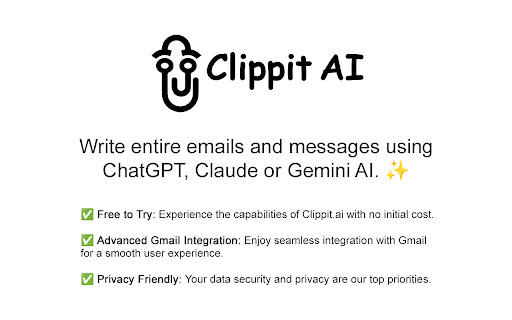
Clippit.ai is an AI-powered email and message assistant designed to enhance writing quality and efficiency. It integrates with email platforms like Gmail and uses AI models such as ChatGPT, Claude, and Gemini AI to generate high-quality, context-aware responses. Clippit.ai aims to streamline communication by providing tools for composing, correcting, revising, and summarizing text.
How to Use
Install the Clippit.ai extension, then activate it via the extension icon, a shortcut key, or by selecting text and right-clicking. In Gmail, open an email, start a reply, click the Clippit AI extension button, describe your desired reply, and press 'Generate'.
Core Features
AI-powered email and message generation Gmail integration Context-aware replies Multiple AI model support (ChatGPT, Claude, Gemini) Customizable tone and length
Use Cases
- 1 Compose emails and messages
- 2 Correct grammar and typos
- 3 Revise and rephrase text
- 4 Adjust the tone of communication
- 5 Summarize lengthy content
Frequently Asked Questions
What languages can be used?
Clippit.ai supports multiple languages for writing emails and messages. You can compose and improve communication in the language that fits your needs.
What information is shared with the AI model?
Clippit.ai shares the content of your emails and messages with the AI model to generate responses. Your personal data is handled according to the platform's privacy policy.
What is your privacy policy?
Clippit.ai processes your message content to provide AI-powered communication assistance. Full details on data collection and usage are available in the platform's privacy policy.
Quick Info
- Category
- Writing & Editing
- Subcategory
- AI Summarizer
- Rating
- 5.0 / 5.0


