Tabchat AI
Chrome extension for AI-powered chat and assistance within browser tabs.
Screenshots
Overview
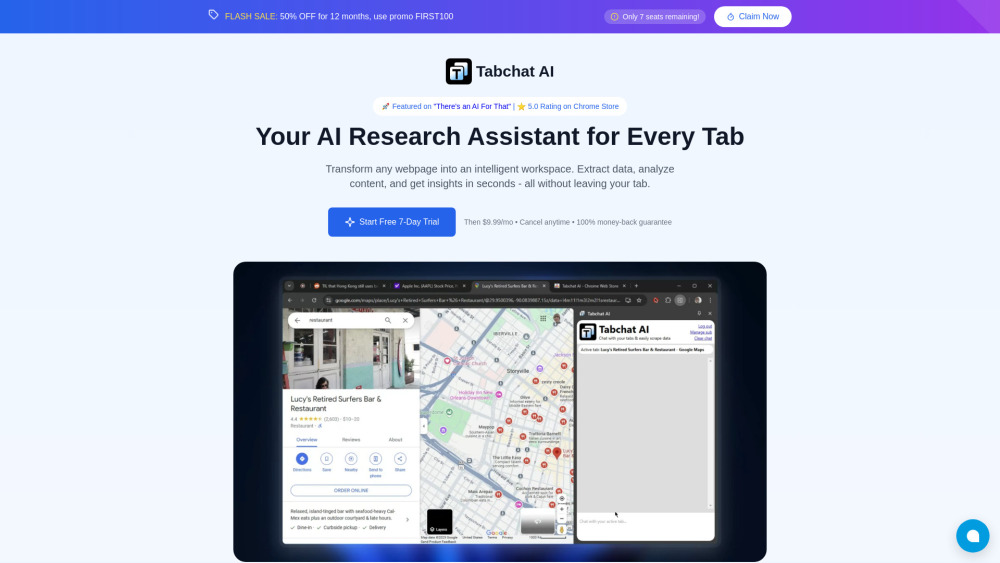
Tabchat AI is a Chrome extension that integrates AI-powered chat directly into your browser tabs. With this tool, you can access a conversational assistant without switching windows or disrupting your workflow. It helps with writing, brainstorming, answering questions, and general productivity tasks, all within the context of your current browsing session. Designed for anyone who spends significant time online, Tabchat AI streamlines everyday digital tasks by making AI assistance instantly available wherever you are on the web.
How to Use
Add Tabchat AI to your Chrome browser, then click the extension icon to open a chat panel. Ask questions or get assistance related to the current tab, without switching between windows or apps.
Core Features
Use Cases
- 1 Research: Quickly extract data and insights from research articles.
- 2 Data Analysis: Convert unstructured webpage content into structured formats.
- 3 Summarization: Get instant summaries of long articles.
Frequently Asked Questions
How does Tabchat AI securely scrape HTML data?
What is the context window size of Tabchat AI?
What data formats can Tabchat AI extract?
What is the refund policy?
Quick Info
- Category
- Writing & Editing
- Subcategory
- AI Summarizer
- Added on
- Jan 13 2025
- Monthly Visits
- --
- Rating
- 5.0 / 5.0
- Saved
- 1



