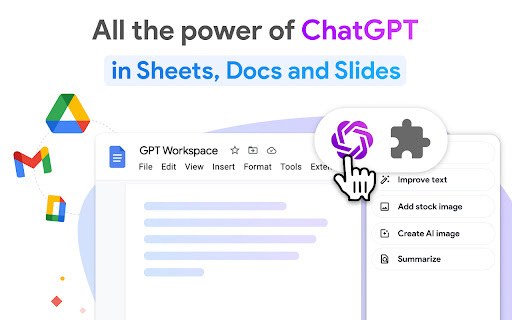
GPT for Google Sheets™ Docs™ and Slides™
AI assistant for Google Workspace: writing, editing, translating, summarising, and more.
Screenshots
Overview
GPT for Google Sheets™, Docs™, and Slides™ is an AI assistant that brings powerful language capabilities directly into Google Workspace. It helps you write, edit, translate, summarize, and more, all from within the tools you already use. Whether you need to draft a document, polish a presentation, or analyze data in a spreadsheet, the assistant works alongside you to streamline the process. It is designed for professionals, students, and teams who want to enhance their productivity without switching between platforms, making everyday tasks faster and more efficient.
How to Use
Install the add-on for Google Workspace, then open a document, sheet, or slide. Select text or a cell range and choose a task like writing, editing, translating, or summarizing from the menu. The AI processes your request and inserts the output directly into your file.
Core Features
Use Cases
- 1 Writing paragraphs or procedures in Sheets™
- 2 Cleaning lists of data (names, addresses, emails, etc.) in Sheets™
- 3 Summarising in Sheets™
- 4 Generating presentations with images and animations in Slides™
- 5 Outlining content in Docs™
- 6 Auto reply with email in Gmail™
Frequently Asked Questions
Do I need to sign up or provide an API key to use GPT for Google Sheets™ Docs™ and Slides™?
Is there a free version of GPT for Google Sheets™ Docs™ and Slides™?
What models does GPT for Google Sheets™ Docs™ and Slides™ use?
Quick Info
- Category
- Writing & Editing
- Subcategory
- AI Summarizer
- Rating
- 5.0 / 5.0
- Saved
- 1



