universally.chat
Chrome extension for ChatGPT access on any website, enabling content interaction and private queries.
Screenshots
Overview
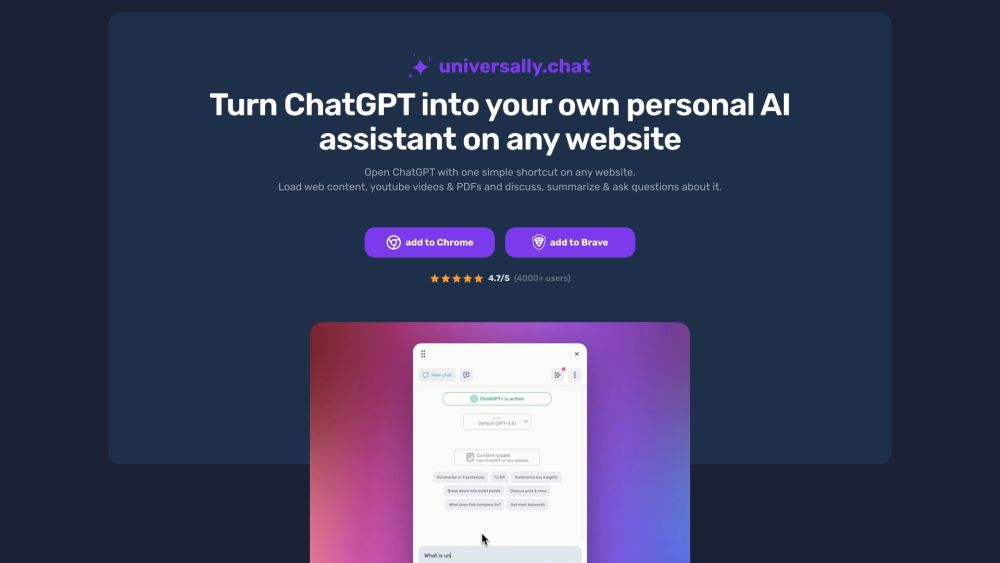
Universally is a Chrome extension that allows users to open ChatGPT on any website with a simple shortcut (Alt+u or a customized one). It enables discussing, summarizing, and asking questions about web content, YouTube videos, and PDFs directly in the ChatGPT chat. It works with a ChatGPT account or the OpenAI API and is designed to be private, storing data locally in the browser and making direct queries to OpenAI servers.
How to Use
Install the Chrome extension, then use the shortcut Alt+u (or a customized shortcut) to open ChatGPT on any website. Load articles, YouTube videos, or PDFs into the chat window to discuss, summarize, or ask questions about the content.
Core Features
Use Cases
- 1 Summarizing long articles
- 2 Discussing YouTube video content
- 3 Asking questions about PDF documents
- 4 Using ChatGPT as a personal AI assistant on any website
Frequently Asked Questions
Q:How can I open ChatGPT on any website? A:Install the universally.chat Chrome extension to access ChatGPT and interact with any site's content anywhere. Q:Where is my chat data stored? A:Chat data is stored privately, allowing you to make private queries without exposing your conversations. Q:What are the benefits of the premium plan? A:The premium plan unlocks advanced features beyond the free tier for richer content interaction. Q:Can I test the premium features for free? A:Yes, premium features can be tried free before committing to a paid plan.
Quick Info
- Category
- Writing & Editing
- Subcategory
- AI Summarizer
- Added on
- Jun 16 2023
- Monthly Visits
- --
- Rating
- 5.0 / 5.0
- Saved
- 4



