SmartaDoc AI
AI tool to read, analyze, and interact with documents by asking questions and summarizing.
Screenshots
Overview
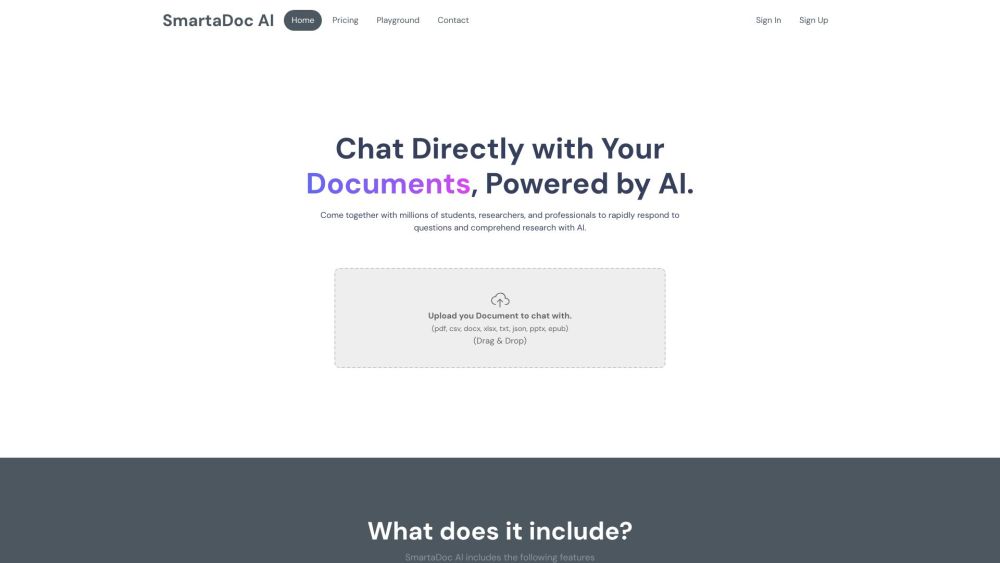
SmartaDoc AI turns static PDFs and documents into interactive conversational partners. Designed for anyone who works with dense files, the tool allows users to upload a document and then ask questions about its content, receiving instant, accurate answers. It also provides high-level summaries to capture key points without reading everything. SmartaDoc AI is especially useful for legal, academic, or business contexts where quickly extracting relevant information from contracts, reports, or research is critical. It simplifies document analysis, making information retrieval as easy as having a chat.
How to Use
Upload a document to SmartaDoc AI, then ask questions about its content or request a summary. The AI analyzes the text and provides detailed answers, helping you grasp key points without reading everything.
Core Features
Use Cases
- 1 Students using it to study efficiently by quickly finding information in their study materials.
- 2 Researchers staying up-to-date with the latest studies and papers.
- 3 Quickly summarizing long documents to extract key information.
Frequently Asked Questions
What file types are supported by SmartaDoc AI?
What can I do with SmartaDoc AI?
Quick Info
- Category
- Writing & Editing
- Subcategory
- AI Summarizer
- Added on
- Jan 22 2024
- Monthly Visits
- --
- Rating
- 5.0 / 5.0
- Saved
- 1



