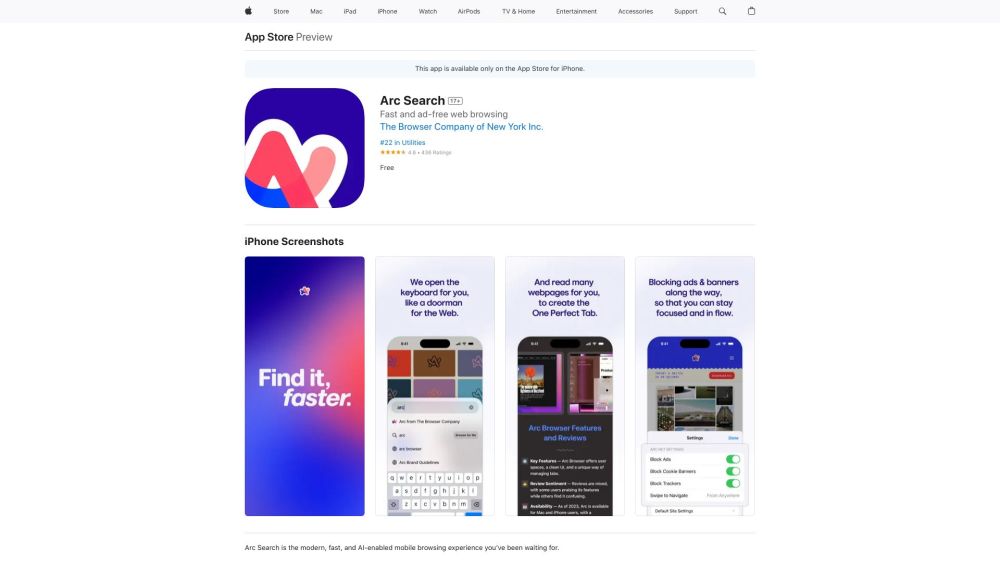
Arc Search
Modern, fast, AI-enabled mobile browser with ad blocking and summarization.
Screenshots
Overview
Arc Search is a mobile browser built for the modern web, prioritizing speed and AI-enabled convenience. It combines a clean, fast browsing experience with built-in ad blocking to keep pages clean and load times quick. Beyond standard browsing, it integrates AI summarization directly into the search experience, providing users with concise answers and context without clicking through multiple results. It appeals to users who want a more focused, less cluttered way to browse and search on their phones, with smart tools that cut through online noise.
How to Use
Use Arc Search as your mobile browser to browse the web. It blocks ads automatically and offers AI-powered page summaries—just tap the summary option to get a quick digest of any webpage.
Core Features
Use Cases
- 1 Quickly searching the web on mobile
- 2 Reading articles without distractions
- 3 Summarizing multiple webpages for faster information gathering
- 4 Blocking ads and trackers for a cleaner browsing experience
Frequently Asked Questions
What search engines are supported in Arc Search?
How do I access my archived tabs?
How do I open a link in a new background tab?
Quick Info
- Category
- Writing & Editing
- Subcategory
- AI Summarizer
- Added on
- Feb 03 2024
- Monthly Visits
- --
- Rating
- 5.0 / 5.0
- Saved
- 3



