PicNotes
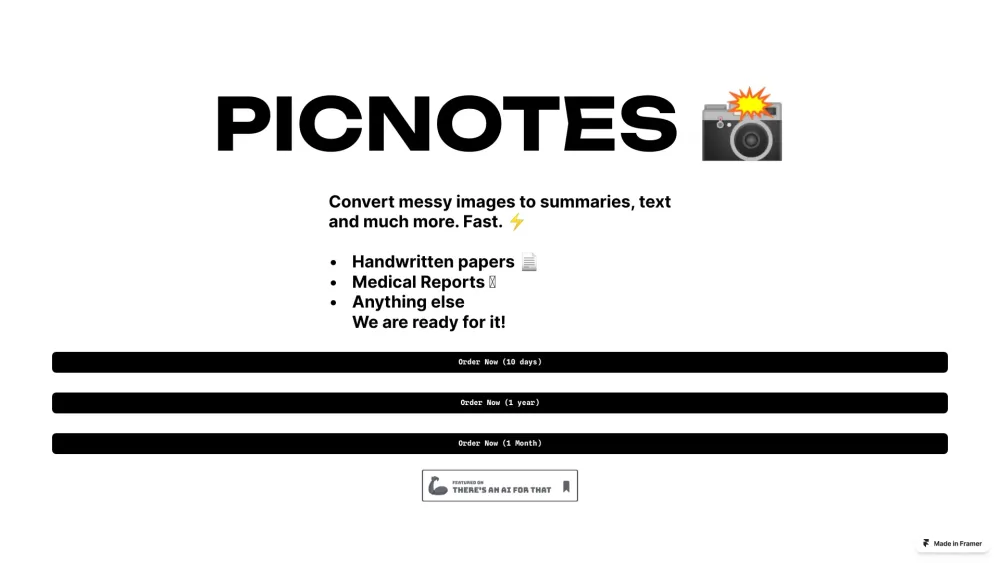
PicNotes converts images to text, summaries, or explanations using AI.
Screenshots
Overview
PicNotes turns visual information into actionable text using AI. By uploading an image—whether a whiteboard photo, a screenshot, a chart, or a page from a book—users can receive a clean text conversion, a concise summary, or a clear explanation of what the image contains. This makes it a handy utility for students digitizing notes, professionals capturing brainstorming sessions, or anyone wanting to extract written content from pictures. PicNotes simplifies information capture and comprehension, saving users time from manual transcription and re-reading.
How to Use
Upload an image to PicNotes, and the AI extracts text from it, then converts that text into a summary or explanation. Review the output to quickly grasp the content without reading the original image.
Core Features
Use Cases
- 1 Converting handwritten notes to digital text
- 2 Summarizing medical reports
- 3 Extracting text from images
Frequently Asked Questions
Does PicNotes support old photographs?
Does it support weird handwritings?
Quick Info
- Category
- Writing & Editing
- Subcategory
- AI Summarizer
- Added on
- Mar 15 2024
- Monthly Visits
- --
- Rating
- 5.0 / 5.0



