PDFGuru
AI-powered tool to summarize, edit, convert, and sign PDF files online.
Screenshots
Overview
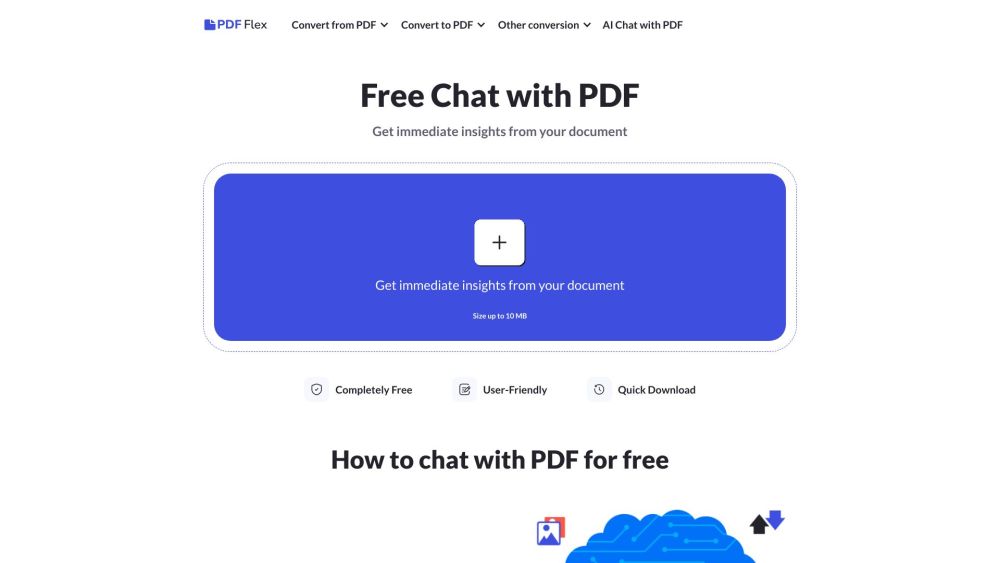
PDFGuru is an all-in-one online PDF solution powered by AI, letting users summarize lengthy documents, edit text and images, convert files between formats, and add digital signatures. It replaces the need for multiple standalone tools with a single, accessible web-based platform. Whether you're a professional handling contracts, a student managing research papers, or a casual user with occasional PDF needs, PDFGuru streamlines document workflows with intelligent automation and straightforward controls, making document management faster and less tedious.
How to Use
Upload your PDF to PDFGuru, then choose an action like summarizing, editing, converting, or signing. The AI processes the file and gives you options to refine results or export the finished document.
Core Features
Use Cases
- 1 Summarizing research papers and books
- 2 Preparing for exams by focusing on key points
- 3 Quickly understanding the content of long reports
- 4 Translating PDF documents into different languages
Frequently Asked Questions
Can AI summarize a PDF file?
How to analyze PDF using AI?
Can I use your tool to summarize PDFs for free?
How to summarize a PDF on Mac?
Is it safe to use a PDF summarizer?
In what languages can I chat with PDF?
Quick Info
- Category
- Writing & Editing
- Subcategory
- AI Summarizer
- Added on
- Apr 19 2024
- Monthly Visits
- --
- Rating
- 5.0 / 5.0
- Saved
- 2



