Lunabot
Cross-platform ChatGPT assistant for enhanced work efficiency on any webpage.
Screenshots
Overview
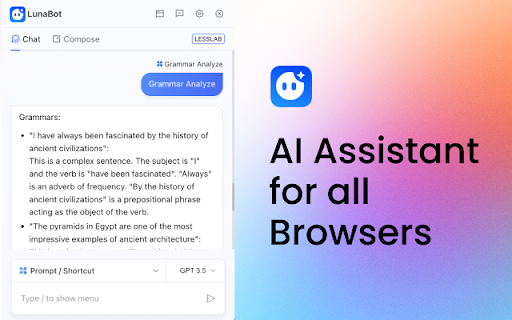
Lunabot is a cross-platform ChatGPT assistant that works on any webpage to boost your work efficiency. It functions as a versatile companion, offering assistance with writing, summarization, translation, and general Q&A, all within your browser. Whether you are drafting an email, researching a topic, or asking for explanations of complex concepts, Lunabot is built to provide immediate help. Its key strength lies in its accessibility; it is designed to be called upon anywhere on the web, making it a powerful tool for professionals, students, and anyone looking to automate or streamline their digital tasks.
How to Use
Launch Lunabot from your browser toolbar on any webpage. Type a question or request in the chat panel to get instant answers, or highlight text to summarize it. The assistant works across all sites, so you can research, draft, and gather info without switching tabs. Responses appear in a floating window.
Core Features
Use Cases
- 1 Article summarization
- 2 Email writing
- 3 Translation
- 4 Grammar correction
- 5 Mathematical calculations
Frequently Asked Questions
What AI models does Lunabot support?
Does Lunabot save my chat history?
What are some common quick commands in Lunabot?
Quick Info
- Category
- Writing & Editing
- Subcategory
- AI Summarizer
- Rating
- 5.0 / 5.0


