Auto Highlight
Browser extension that highlights important content on article pages.
Screenshots
Overview
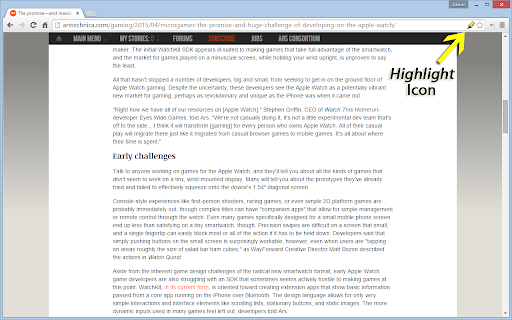
Auto Highlight is a browser extension that automatically identifies and highlights the most important content on article pages. Instead of manually scanning through lengthy text to find key points, the tool uses intelligent algorithms to visually mark crucial sentences, statistics, and arguments. This enhances reading speed and comprehension, making it ideal for students, journalists, and professionals who frequently consume large amounts of online content. By drawing your attention to what matters most, Auto Highlight transforms reading from a chore into a quick, efficient way to extract essential information.
How to Use
Install the Auto Highlight extension and enable it for article pages. As you read, the extension automatically scans the text and highlights the most important sentences or keywords. Use the visual cues to skim articles quickly or focus on key points without manual marking. Adjust settings to control highlight intensity if available.
Core Features
Use Cases
- 1 Quickly identify key information in long articles.
Frequently Asked Questions
How does Auto Highlight work?
Does Auto Highlight collect user data?
How do I adjust the highlighting coverage?
Quick Info
- Category
- Writing & Editing
- Subcategory
- AI Summarizer
- Rating
- 5.0 / 5.0



