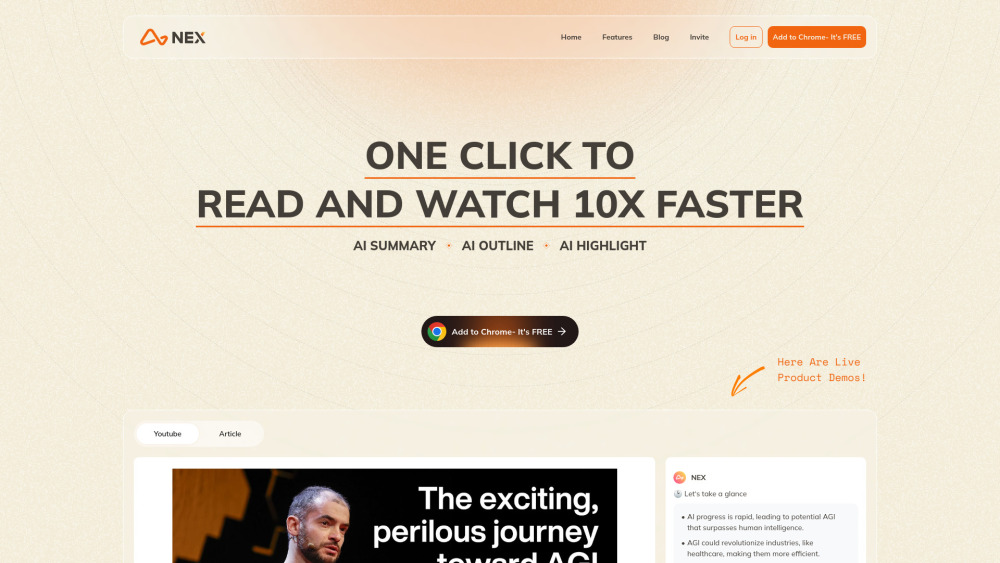
Nex
AI Knowledge Copilot for summarizing videos and articles.
Screenshots
Overview
Nex is an AI Knowledge Copilot designed to help users digest large volumes of content quickly. It specializes in summarizing videos and articles, distilling lengthy material into clear, concise takeaways that preserve the core messages. Whether you are catching up on industry news, researching topics, or reviewing recorded presentations, Nex aims to cut down on consumption time while improving retention. It is ideal for professionals, students, and lifelong learners who regularly encounter dense multimedia content and need a reliable way to extract essential knowledge without watching or reading everything in full.
How to Use
Install Nex as your browser extension or web app, then open a video or article you want to digest. Activate the copilot to get an instant summary, key points, or ask follow-up questions for deeper understanding.
Core Features
Use Cases
- 1 Quickly understand the content of long YouTube videos
- 2 Identify essential parts of articles
- 3 Save and organize key sentences from articles and videos
- 4 Efficiently research and gather information
Frequently Asked Questions
What is Nex?
How does Nex improve information absorption?
What features does Nex offer for YouTube videos?
What features does Nex offer for articles?
What is the Idea Archive feature?
Quick Info
- Category
- Writing & Editing
- Subcategory
- AI Summarizer
- Added on
- Jul 08 2024
- Monthly Visits
- --
- Rating
- 5.0 / 5.0
- Saved
- 1



