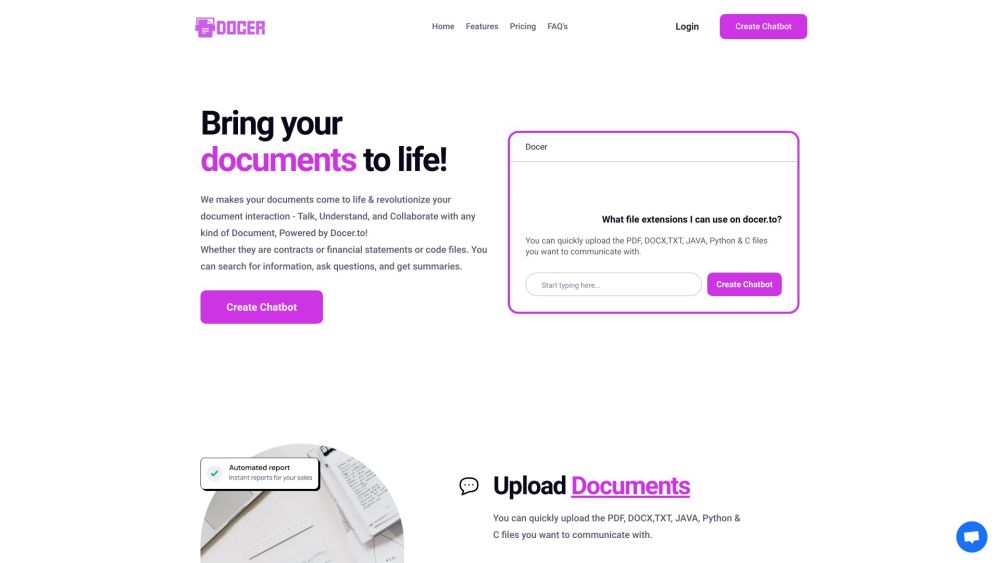
Docer.to
AI document assistant to chat, understand, and collaborate with various file types.
Screenshots
Overview
Docer.to is an AI-powered document assistant that transforms how you interact with your files. Instead of manually digging through lengthy documents, you can chat directly with your PDFs, Word files, and other formats to ask questions, extract key information, and gain instant understanding. It also supports collaborative features, making it easier for teams to work together on shared materials. Whether you're a professional handling contracts, a researcher reviewing papers, or a student studying course materials, Docer.to streamlines document comprehension and teamwork in one convenient platform.
How to Use
Upload or open a document in Docer.to, then use the chat interface to ask questions about the content. You can also highlight sections to collaborate with teammates, get instant answers, and navigate complex files more efficiently.
Core Features
Use Cases
- 1 Interacting with contracts to find specific clauses
- 2 Analyzing financial statements by asking questions
- 3 Understanding code files through AI-powered explanations
- 4 Researching academic papers by summarizing key findings
Frequently Asked Questions
What file extensions are supported on Docer.to?
What can I do with Docer.to?
Quick Info
- Category
- Writing & Editing
- Subcategory
- AI Summarizer
- Added on
- Jun 29 2023
- Monthly Visits
- --
- Rating
- 5.0 / 5.0
- Saved
- 2



