Dot Copilot
AI assistant for Android and iPhone for productivity and task management.
Screenshots
Overview
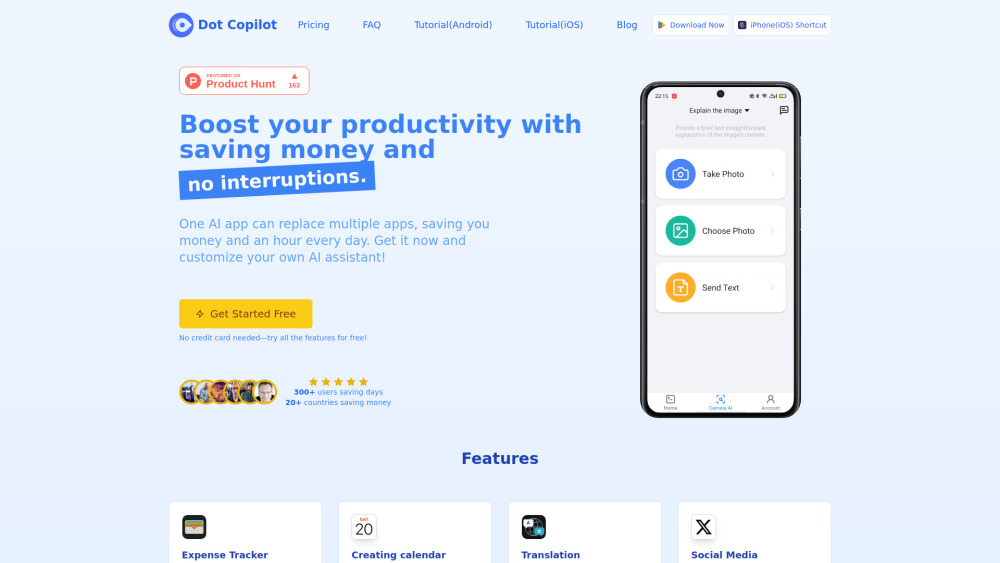
Dot Copilot is an AI assistant available for both Android and iPhone that focuses on boosting productivity and simplifying task management. Acting like a personal assistant, it helps you organize your day, set reminders, manage to-dos, and keep your workflow in order, all from your mobile device. With natural language understanding, you can just talk or type what you need, and Dot Copilot responds intelligently to keep you on track. Ideal for busy individuals, remote workers, and anyone looking to streamline daily responsibilities, this app offers a handy way to stay productive without constantly juggling multiple apps.
How to Use
Download the app on your mobile device, then connect your tasks and calendar. Use voice or text commands to manage to-dos, set reminders, and organize your day, with the AI suggesting priorities or next actions based on your schedule.
Core Features
Use Cases
- 1 Extract expense data from texts or receipts and sync it to Google Sheets.
- 2 Extract schedule details from chats and add them to your Calendar app.
- 3 Translate on-screen text or messages from international friends.
- 4 Generate engaging comments for Reddit, LinkedIn, X (Twitter), and Facebook.
- 5 Get help replying to chats on WhatsApp, Telegram, Line, and more.
- 6 Summarize web page content quickly and efficiently.
- 7 Pull to-dos from chats or screenshots and add them to your Reminders.
- 8 Create custom actions tailored to your needs.
Frequently Asked Questions
What is Dot Copilot?
How does Dot Copilot protect my privacy?
Can I use Dot Copilot offline?
How accurate is Dot Copilot's visual comprehension?
Can I switch between plans?
Is Dot Copilot available for iOS?
Why do I need to pay for this software?
Can I try Dot Copilot for free?
How do I get in touch with your team?
Quick Info
- Category
- Writing & Editing
- Subcategory
- AI Summarizer
- Added on
- Feb 17 2025
- Monthly Visits
- --
- Rating
- 5.0 / 5.0



