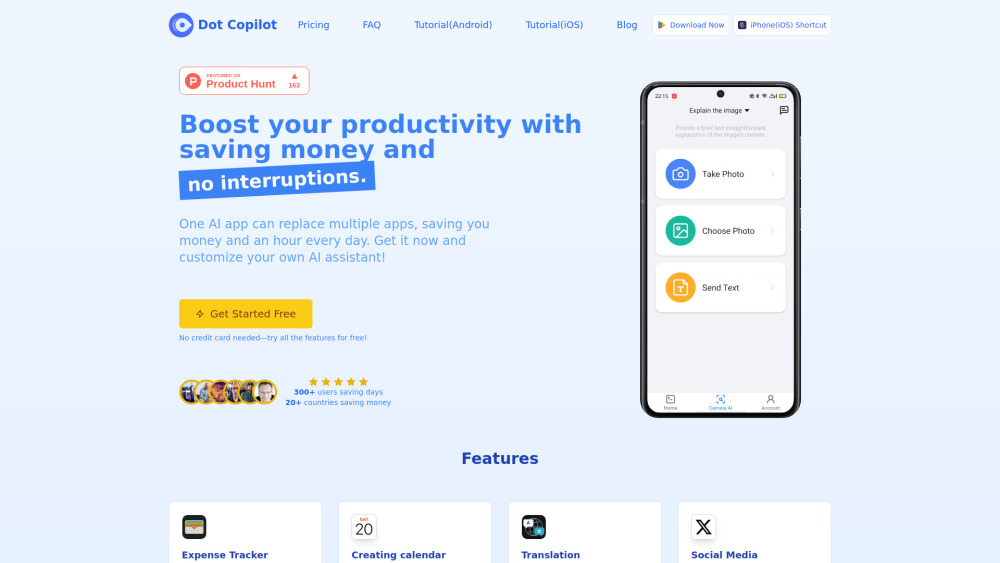
Dot Copilot
AI assistant for Android and iPhone for productivity and task management.
5.0
Rating
--
Visits/mo
Screenshots
Overview
Dot Copilot is an AI assistant for Android and iPhone that uses ChatGPT to recognize text and image content on your screen. It helps users add events, create to-do lists, reply to messages, translate images and on-screen text, summarize web pages and screen content, and track monthly income and expenses with Google Sheets integration.
How to Use
With just a tap, you can use ChatGPT to recognize text and image content on your screen. It smartly helps you add events, create to-do lists, reply to messages, translate images and on-screen text, summarize web pages and screen content, and even track your monthly income and expenses with Google Sheets integration.
Core Features
Expense Tracker Creating calendar event Translation Social Media Engagement Chat Assistance Web Summarization Task Management Custom Command or Action
Use Cases
- 1 Extract expense data from texts or receipts and sync it to Google Sheets.
- 2 Extract schedule details from chats and add them to your Calendar app.
- 3 Translate on-screen text or messages from international friends.
- 4 Generate engaging comments for Reddit, LinkedIn, X (Twitter), and Facebook.
- 5 Get help replying to chats on WhatsApp, Telegram, Line, and more.
- 6 Summarize web page content quickly and efficiently.
- 7 Pull to-dos from chats or screenshots and add them to your Reminders.
- 8 Create custom actions tailored to your needs.
Frequently Asked Questions
What is Dot Copilot?
Dot Copilot is an AI assistant for Android and iPhone that helps you manage tasks, boost productivity, and automate everyday actions on your phone.
How does Dot Copilot protect my privacy?
Dot Copilot keeps your data private by processing requests locally where possible and never selling your personal information.
Can I use Dot Copilot offline?
Yes, many of Dot Copilot's core features work offline directly on your device.
How accurate is Dot Copilot's visual comprehension?
Dot Copilot uses advanced AI models to accurately understand screens, images, and on-screen text, though very low-quality visuals may be less reliable.
Can I switch between plans?
Yes, you can upgrade, downgrade, or switch between plans at any time from the app's settings.
Is Dot Copilot available for iOS?
Yes, Dot Copilot is available for both Android and iPhone (iOS).
Why do I need to pay for this software?
Payment covers ongoing development, AI model costs, and new features, while a free tier is available to try core functionality.
Can I try Dot Copilot for free?
Yes, Dot Copilot offers a free version so you can try its core features before committing to a paid plan.
How do I get in touch with your team?
You can reach the team through the contact form or support email listed on the Dot Copilot website.
Quick Info
- Category
- Writing & Editing
- Subcategory
- AI Summarizer
- Added on
- Feb 17 2025
- Monthly Visits
- --
- Rating
- 5.0 / 5.0



