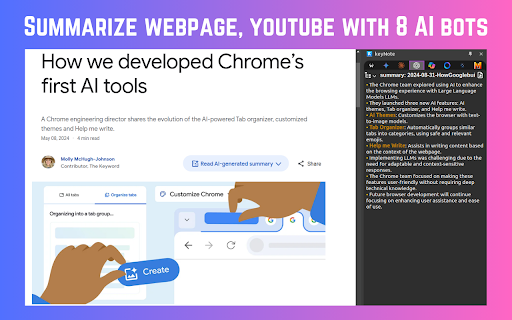
Screenshots
Overview
keyNote is a free Chrome extension that brings AI-powered summarization to your browser. What sets it apart is its use of eight different AI bots, giving users the flexibility to choose different summarization styles or compare outputs. This is particularly useful for quickly getting the gist of long articles, news stories, or research papers without reading through everything. By offering multiple AI perspectives, keyNote empowers users to gain a comprehensive understanding of web content. It's a practical tool for students, journalists, and any heavy web reader looking for a versatile and free summarization solution.
How to Use
Add the keyNote extension to your Chrome browser. Navigate to any web article, then click the extension icon to open the summarizer panel. Choose from 8 different AI bots to generate a summary. Compare outputs from different bots to find the best fit for your needs.
Core Features
Use Cases
- 1 Quickly summarize articles and YouTube videos for efficient learning.
- 2 Organize research notes by domain, date, or custom folders.
- 3 Export summaries to Notion for collaborative work and documentation.
Frequently Asked Questions
What types of content can keyNote summarize?
Is keyNote free to use?
Does keyNote require signup?
How can I summarize a webpage using keyNote?
Can I export summarized content to Notion?
Quick Info
- Category
- Writing & Editing
- Subcategory
- AI Summarizer
- Rating
- 5.0 / 5.0



