ONE800
AI tools in iMessage for instant answers, advice, and content creation.
5.0
Rating
--
Visits/mo
Screenshots
Overview
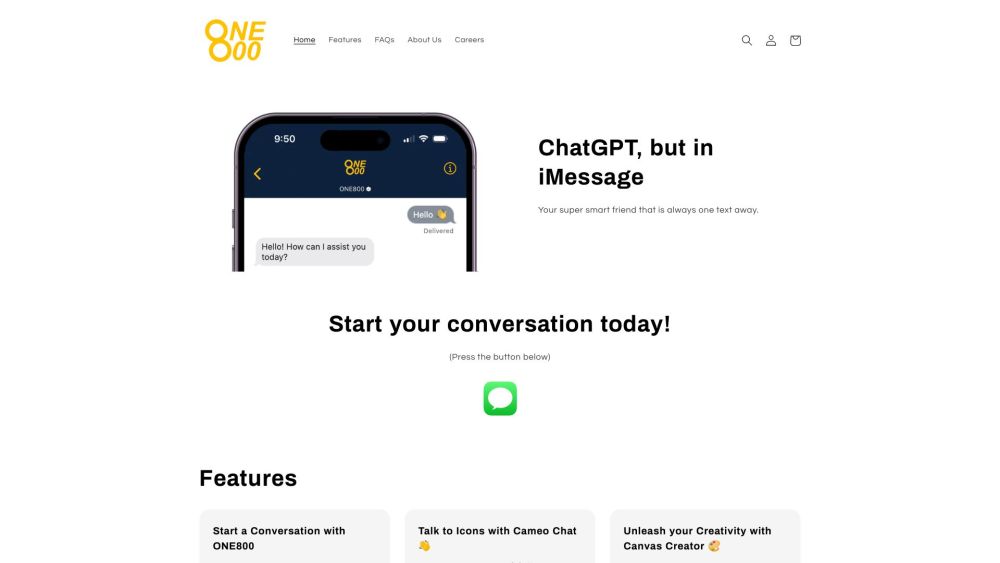
ONE800 brings AI-powered tools directly into iMessage, offering instant answers, practical advice, and content creation on the spot. Without switching apps, you can draft messages, brainstorm ideas, or solve problems seamlessly within your messaging interface. Ideal for busy professionals, students, and anyone who values efficiency, ONE800 integrates intelligent assistance into everyday conversations, making productivity effortless and accessible.
How to Use
Add the tool to your iMessage app drawer, then type questions or commands directly in a conversation. It returns instant answers, advice, or content like text and images without leaving the chat.
Core Features
iMessage integration Instant AI responses Content creation in chat On-the-go advice
Use Cases
- 1 ONE800's Use Cases
- 2 Getting instant answers to questions
- 3 Seeking advice on relationships and career decisions
- 4 Generating art with Canvas Creator
- 5 Chatting with AI personas of celebrities and fictional characters
Frequently Asked Questions
What is ONE800?
ONE800 brings AI tools straight into iMessage so you can get instant answers, advice, and content creation without leaving your chat app. Just text the service and the AI responds inside the conversation.
Do I need to download an app to use ONE800?
No, you don't need to download any app. ONE800 works through the built-in Messages app on your iPhone.
Is ONE800 free to use?
ONE800 offers a free tier so you can try the service. Check the pricing page for usage limits and paid plans.
Is ONE800 safe and secure?
Yes, ONE800 is designed with safety and security in mind. It follows strict data handling practices to protect your conversations.
Quick Info
- Category
- Writing & Editing
- Subcategory
- AI Text Generator
- Added on
- May 23 2023
- Monthly Visits
- --
- Rating
- 5.0 / 5.0





