Chat2DB
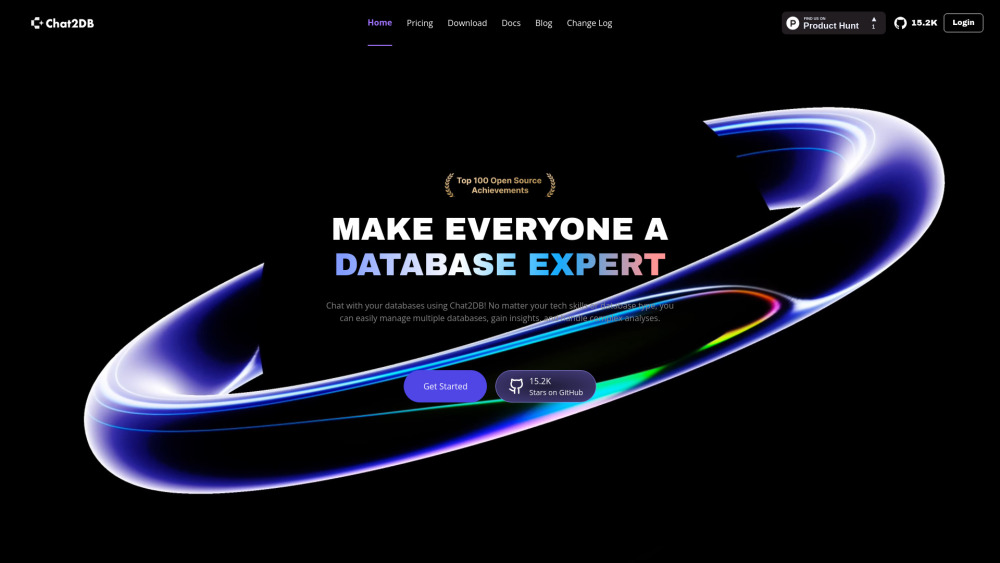
AI-powered database management and visualization tool using natural language.
Screenshots
Overview
Chat2DB transforms the way developers and analysts interact with databases by combining artificial intelligence with natural language processing. The tool allows users to manage and visualize their database structures using plain English commands, eliminating the need to write complex SQL queries for routine operations. This makes database administration more approachable for non-technical team members while also speeding up workflows for experienced professionals. By automatically generating queries and providing visual representations of data relationships, Chat2DB helps teams gain clearer insights and reduce the time spent on tedious database tasks, making it a valuable addition to any data-driven organization.
How to Use
Connect Chat2DB to your database by entering your credentials. Once connected, you can type natural language queries (e.g., "show all users from last month") and the AI will generate and run the SQL, returning data in a visualized table or chart.
Core Features
Use Cases
- 1 Chat2DB's Use Cases
- 2 E-commerce technical managers can efficiently manage large transaction data and respond quickly to business needs through interactive queries.
- 3 Data engineers in finance can improve work efficiency, data analysis, and report generation reliability while ensuring data security.
- 4 Programmers can simplify complex database operations and generate SQL statements with AI assistance, boosting development efficiency.
- 5 Business managers can gain rapid business insights by querying across various systems using natural language.
- 6 Full-stack engineers can enhance productivity with AI-powered text-to-SQL and monitor data dynamics through custom dashboards.
- 7 Data analysts can instantly analyze market trends and consumer behavior without complex query languages.
Frequently Asked Questions
What is the difference between the Offline version and the Pro version?
What is the difference between the Pro version and the Team version?
How do I start a free trial for the Pro version?
Are there any limits on the number of databases or instances?
Can I upgrade or downgrade my plan at any time?
What happens to my data if I cancel my subscription?
Is there a discount for annual payments?
How secure is Chat2DB's data?
Does the Offline version support offline activation?
How can I unbind a device online for the Offline version?
Quick Info
- Category
- Writing & Editing
- Subcategory
- AI Text Generator
- Added on
- Oct 23 2024
- Monthly Visits
- 88.7K
- Rating
- 5.0 / 5.0





