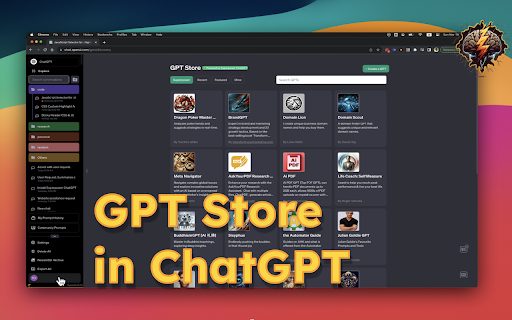
Superpower ChatGPT
Browser extension enhancing ChatGPT with chat, prompt, and utility features.
Screenshots
Overview
Superpower ChatGPT is a browser extension that supercharges the standard ChatGPT interface. It introduces advanced chat organization, prompt management, and a suite of utility features that streamline the AI conversation experience. Built for power users, content creators, and developers who rely heavily on ChatGPT, the extension improves workflow efficiency by making it easier to manage conversations, save and reuse prompts, and access enhanced capabilities directly within the familiar web interface.
How to Use
Install the Superpower ChatGPT browser extension, then use it alongside your normal ChatGPT sessions. It adds a sidebar for managing chats, saving and reusing prompts, and accessing utility tools like text formatting or search enhancements, all designed to streamline your workflow and boost productivity.
Core Features
Use Cases
- 1 Organizing ChatGPT conversations into folders for easy access.
- 2 Creating and using prompt chains for complex tasks.
- 3 Quickly accessing frequently used prompts via the auto-complete menu.
- 4 Customizing the language and tone of ChatGPT responses.
- 5 Splitting long inputs into smaller chunks for better processing.
Frequently Asked Questions
What data does Superpower ChatGPT save?
Does Superpower ChatGPT save my conversations on its database?
Is there a cost associated with using Superpower ChatGPT?
Quick Info
- Category
- Voice Generation & Conversion
- Subcategory
- AI Text-to-Speech
- Rating
- 5.0 / 5.0





