Superpower ChatGPT
Browser extension enhancing ChatGPT with chat, prompt, and utility features.
5.0
Rating
Screenshots
Overview
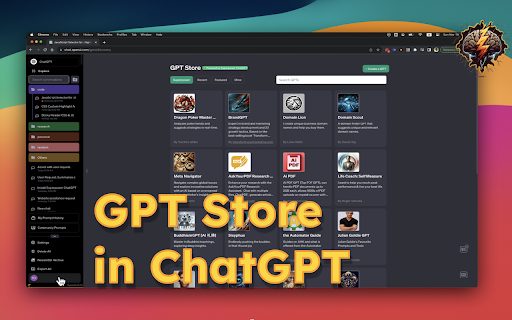
Superpower ChatGPT is a browser extension designed to enhance the ChatGPT experience with a variety of features. It provides tools for chat management, prompt management, language and style customization, and various utilities to improve workflow and productivity within the ChatGPT interface.
How to Use
Install the Superpower ChatGPT extension in your browser. Once installed, it integrates directly into the ChatGPT interface, adding new features and options to the sidebar and input areas. Use the provided menus and buttons to manage chats, create prompt chains, customize language and style, and access other utilities.
Core Features
Chat Management (folders, auto-sync, export, search) Prompt Management (prompt chains, history, templates, community prompts) Language and Style Customization Utilities (custom instruction profiles, auto-splitter, model switcher)
Use Cases
- 1 Organizing ChatGPT conversations into folders for easy access.
- 2 Creating and using prompt chains for complex tasks.
- 3 Quickly accessing frequently used prompts via the auto-complete menu.
- 4 Customizing the language and tone of ChatGPT responses.
- 5 Splitting long inputs into smaller chunks for better processing.
Frequently Asked Questions
What data does Superpower ChatGPT save?
It saves your prompts, chat history, and preferences, stored locally in your browser.
Does Superpower ChatGPT save my conversations on its database?
No, your conversations stay in your local browser storage and are not uploaded to a company database.
Is there a cost associated with using Superpower ChatGPT?
The core features are free, with a paid Pro plan for advanced capabilities.
Quick Info
- Category
- Voice Generation & Conversion
- Subcategory
- AI Text-to-Speech
- Rating
- 5.0 / 5.0





