VideoGen
Generate videos with captions, b-roll, music, and AI narration from any text.
Screenshots
Overview
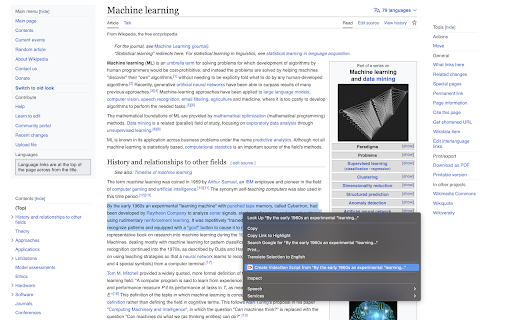
VideoGen transforms any written text into polished video content automatically. It handles the entire production process—generating captions, selecting b-roll footage, adding background music, and providing AI voice narration—so you can go from an idea to a finished video without editing skills. Marketers, content creators, educators, and social media managers who need regular video output will find it especially useful. Whether you're repurposing blog posts into YouTube videos, creating social media clips, or producing training materials, VideoGen removes the technical and creative barriers to video production.
How to Use
Paste or type your text into VideoGen, then choose your preferred caption style, b-roll footage, music track, and AI narration voice. Review the generated video preview, make any adjustments, and export the final video directly from the platform.
Core Features
Use Cases
- 1 Convert blog posts into engaging videos
- 2 Create social media content from articles
- 3 Generate educational videos from online resources
Frequently Asked Questions
How does VideoGen work?
What kind of content can I turn into a video?
Quick Info
- Category
- Voice Generation & Conversion
- Subcategory
- AI Text-to-Speech
- Rating
- 5.0 / 5.0
- Saved
- 2





