Translatium
Cross-platform translation app with 200+ languages, voice output, and offline phrasebook.
Screenshots
Overview
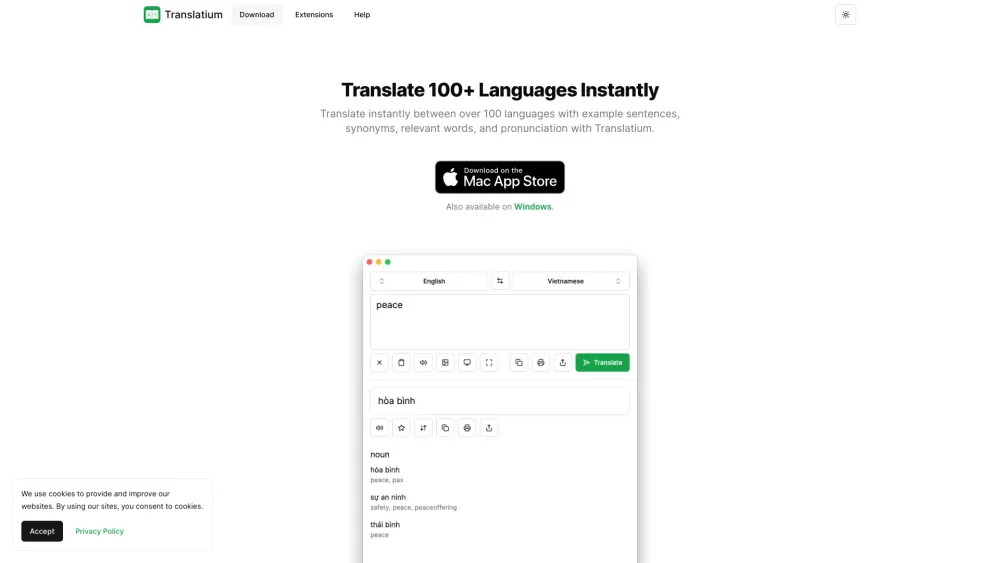
Translatium is a cross-platform translation app available for macOS, Windows, Linux, Android, iOS, and iPadOS. It allows users to translate text across 200+ languages instantly, providing example sentences, synonyms, relevant words, and pronunciation. It also offers features like voice output, phrasebook, dictionary, menu bar integration, browser extension, and dark theme. Translatium is free without ads or trackers.
How to Use
Simply type or paste text into Translatium, select the source and target languages, and the app will instantly translate the text. You can also use the browser extension to translate selected text with one click. The app also supports voice output for pronunciation.
Core Features
Use Cases
- 1 Translate text between different languages for communication.
- 2 Learn the pronunciation of words in different languages.
- 3 Save frequently used translations for quick access.
- 4 Look up definitions and synonyms of words.
- 5 Translate text directly from a web browser.
Frequently Asked Questions
What platforms does Translatium support?
How many languages does Translatium support?
Is Translatium free to use?
Does Translatium work offline?
Quick Info
- Category
- Voice Generation & Conversion
- Subcategory
- AI Text-to-Speech
- Added on
- Mar 18 2024
- Monthly Visits
- --
- Rating
- 5.0 / 5.0
- Saved
- 1





