Ausum
Chrome extension for instant audio summaries of articles.
Screenshots
Overview
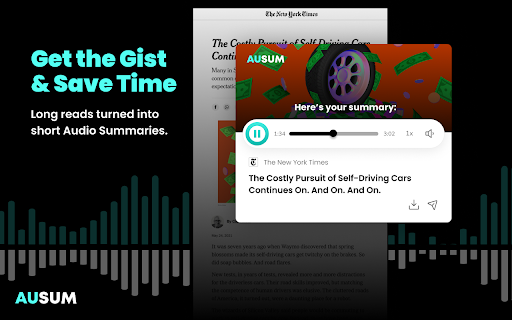
Ausum is a free Chrome extension that converts articles into short audio summaries with a single click. It eliminates the need for sign-ups and provides a cleaner, ad-free experience. Ausum uses smart summarization technology to deliver the most important and accurate highlights of any story, saving users time by allowing them to listen while multitasking. It also offers the ability to download audio summaries for offline listening and share them with others. Ausum utilizes high-quality text-to-speech technology for a natural listening experience.
How to Use
Install the Ausum Chrome extension. When on an article you want to summarize, click the Ausum icon to instantly generate and listen to an audio summary.
Core Features
Use Cases
- 1 Listening to news articles while commuting
- 2 Summarizing research reports for quick understanding
- 3 Reviewing health reports efficiently
- 4 Staying updated on sports analysis without reading the full article
Frequently Asked Questions
What is Ausum?
Do I need to sign up to use Ausum?
Can I download the audio summaries?
What if I find bugs or have suggestions?
Quick Info
- Category
- Voice Generation & Conversion
- Subcategory
- AI Text-to-Speech
- Rating
- 5.0 / 5.0





