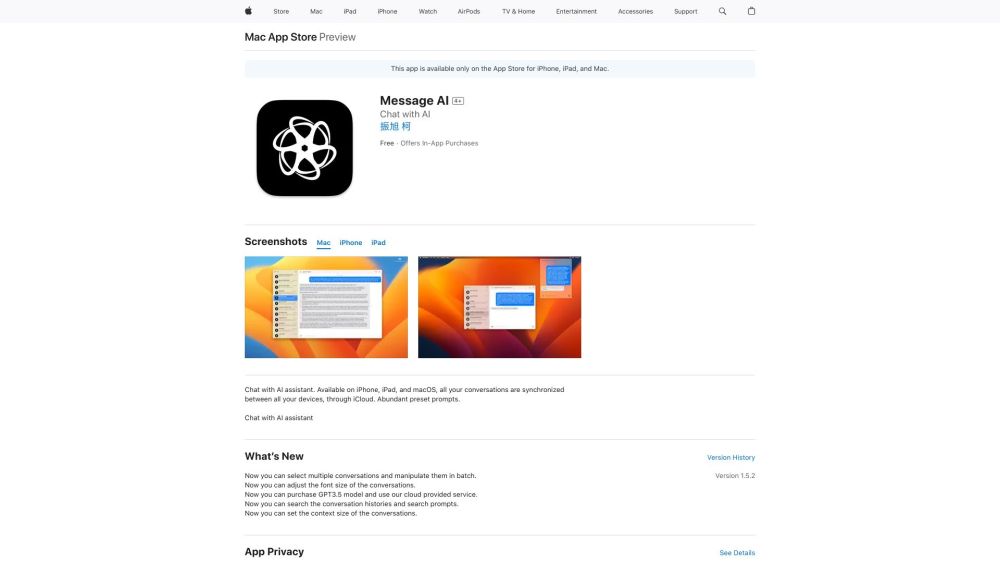
Message AI - GPT TTS
Cross-platform AI chat app with iCloud sync, text-to-image, and text-to-speech.
Screenshots
Overview
Message AI - GPT TTS is a cross-platform chat application that combines advanced AI capabilities with practical features like iCloud sync, text-to-image generation, and text-to-speech output. Users can engage in intelligent conversations, create visual content from text prompts, and listen to responses aloud, all within one unified interface. This makes it an ideal choice for Apple users seeking seamless device integration, as well as for creatives and professionals who need a multifunctional AI tool for communication and content creation. By integrating multiple functions, Message AI streamlines workflows and enhances productivity in a single, accessible platform.
How to Use
Download Message AI - GPT TTS on your device and sign in with iCloud. Use the chat interface to type prompts or use voice input for GPT-powered replies. You can also generate images from text, and convert any message or text into speech, with all data synced across your Apple devices.
Core Features
Use Cases
- 1 Getting instant answers to questions
- 2 Generating images from text
- 3 Converting text to speech
- 4 Using AI assistance within other apps
Frequently Asked Questions
What platforms does Message AI - GPT TTS support?
Does Message AI - GPT TTS sync conversations across devices?
Are there in-app purchases?
What is the keyboard extension for?
Quick Info
- Category
- Voice Generation & Conversion
- Subcategory
- AI Text-to-Speech
- Added on
- May 22 2023
- Monthly Visits
- --
- Rating
- 5.0 / 5.0





