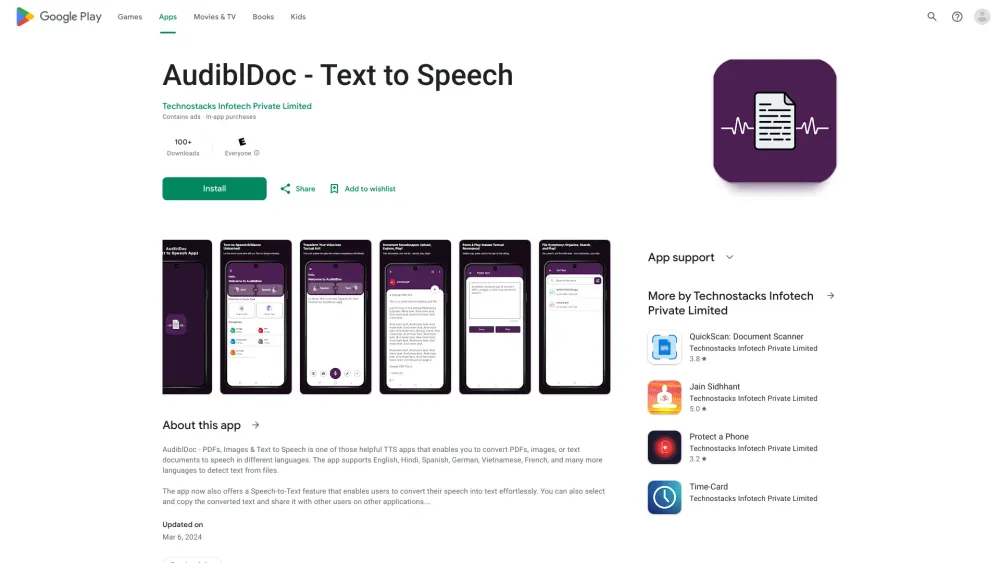
AudiblDoc
AudiblDoc converts PDFs, images, and text to speech and vice versa in multiple languages.
Screenshots
Overview
AudiblDoc is a versatile tool that bridges text and audio, capable of converting PDFs, images, and plain text into speech, as well as performing the reverse by turning audio into text. Supporting multiple languages, it serves a wide range of users, including students, researchers, and professionals who need to access documents through listening or create transcripts from recordings. Whether it's for accessibility, convenience, or productivity, AudiblDoc simplifies document handling by offering a two-way conversion system. Its flexibility makes it a valuable asset for anyone looking to manage information across different formats with minimal effort.
How to Use
Upload a PDF, image, or text file to AudiblDoc, or paste text directly. The tool converts the content to speech in your chosen language, or conversely, transcribes audio into text. You can listen to the results online or download them as audio files.
Core Features
Use Cases
- 1 Converting PDF documents to audio for listening
- 2 Transcribing spoken words into text
- 3 Learning a new language by listening to text
- 4 Making documents accessible to visually impaired individuals
Frequently Asked Questions
What file formats does AudiblDoc support?
Which languages are supported by AudiblDoc?
Does AudiblDoc use AI?
Quick Info
- Category
- Voice Generation & Conversion
- Subcategory
- AI Text-to-Speech
- Added on
- Mar 17 2024
- Monthly Visits
- --
- Rating
- 5.0 / 5.0






