Read to Me
Chrome extension for read-aloud and text-to-speech functionality.
Screenshots
Overview
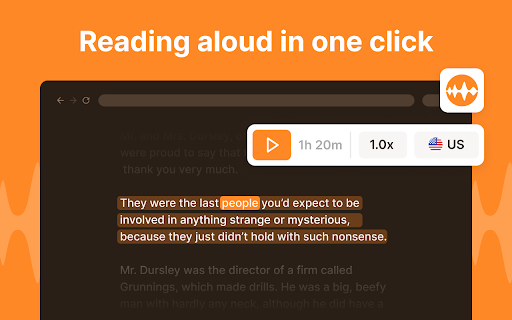
Read to Me is a Chrome extension that provides read-aloud and text-to-speech functionality directly in the browser. It enables users to have web content, emails, and documents narrated aloud, making it easier to digest information while multitasking or for those who prefer listening over reading. The extension is simple to use, adding a button that instantly converts on-page text into natural-sounding speech. Read to Me is suitable for students, professionals, and casual users who want a hands-free way to consume digital content.
How to Use
Add the Read to Me extension to your Chrome browser, then select any text on a webpage and click the extension icon to have it read aloud. You can control playback with the built-in buttons.
Core Features
Use Cases
- 1 Listening to articles while multitasking
- 2 Improving accessibility for visually impaired users
- 3 Learning new languages by hearing correct pronunciation
Frequently Asked Questions
What is Read to Me?
How do I use Read to Me?
Quick Info
- Category
- Voice Generation & Conversion
- Subcategory
- AI Text-to-Speech
- Rating
- 5.0 / 5.0





