Read to Me
Chrome extension for read-aloud and text-to-speech functionality.
5.0
Rating
Screenshots
Overview
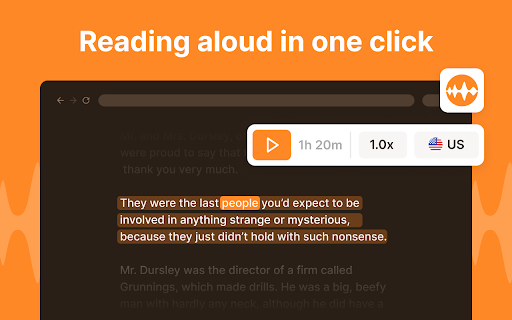
Read to Me is a Chrome extension that functions as a natural reader, providing read-aloud and text-to-speech (TTS) capabilities. It allows users to listen to web pages, articles, and other text content, enhancing accessibility and convenience.
How to Use
Install the Read to Me Chrome extension. Once installed, navigate to any webpage and activate the extension. It will then read the text content aloud.
Core Features
Text-to-speech functionality Read-aloud capability for web pages Natural reader voice
Use Cases
- 1 Listening to articles while multitasking
- 2 Improving accessibility for visually impaired users
- 3 Learning new languages by hearing correct pronunciation
Frequently Asked Questions
What is Read to Me?
Read to Me is a Chrome extension that reads web content aloud using text-to-speech.
How do I use Read to Me?
Install it from the Chrome Web Store, open a page, and click the extension to have the text read aloud.
Quick Info
- Category
- Voice Generation & Conversion
- Subcategory
- AI Text-to-Speech
- Rating
- 5.0 / 5.0





