Audioread
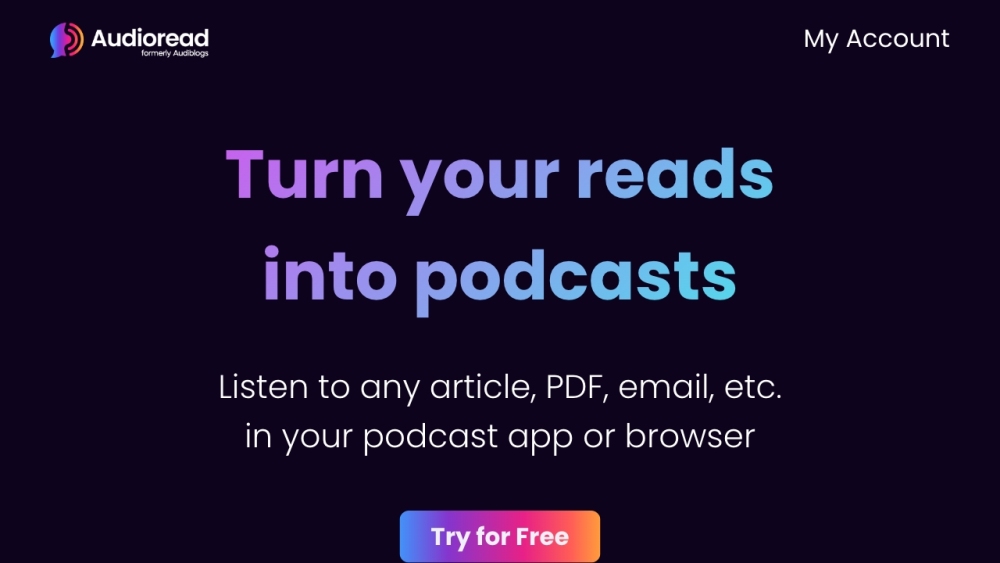
Audioread converts text to audio for listening in podcast apps using AI voices.
Screenshots
Overview
Audioread is a practical tool that converts written text into natural-sounding audio, letting you listen to articles, documents, and even entire ebooks in your favorite podcast app. It uses AI voices to deliver a seamless listening experience, so you can consume reading material while commuting, exercising, or doing other tasks. The conversion process is straightforward, simply paste a link or upload a document, and Audioread handles the rest. It's designed for busy professionals, students, and lifelong learners who want to absorb more content without being tied to a screen. The platform adds a new level of accessibility to long-form text, making it easy to integrate reading into your daily routine.
How to Use
Paste a text link, upload a document, or input text into Audioread. Select your preferred AI voice and listening speed, then generate the audio file and add it to your podcast app.
Core Features
Use Cases
- 1 Listening to articles, PDFs, and emails while commuting or exercising
- 2 Creating a personal podcast feed for curated content
- 3 Converting web articles to audio for offline listening
Frequently Asked Questions
What types of content can Audioread convert to audio?
Where can I listen to the audio generated by Audioread?
How can I convert text to audio using Audioread?
Quick Info
- Category
- Voice Generation & Conversion
- Subcategory
- AI Text-to-Speech
- Added on
- Mar 07 2023
- Monthly Visits
- 20.8K
- Rating
- 5.0 / 5.0
- Saved
- 2





