Broadcast
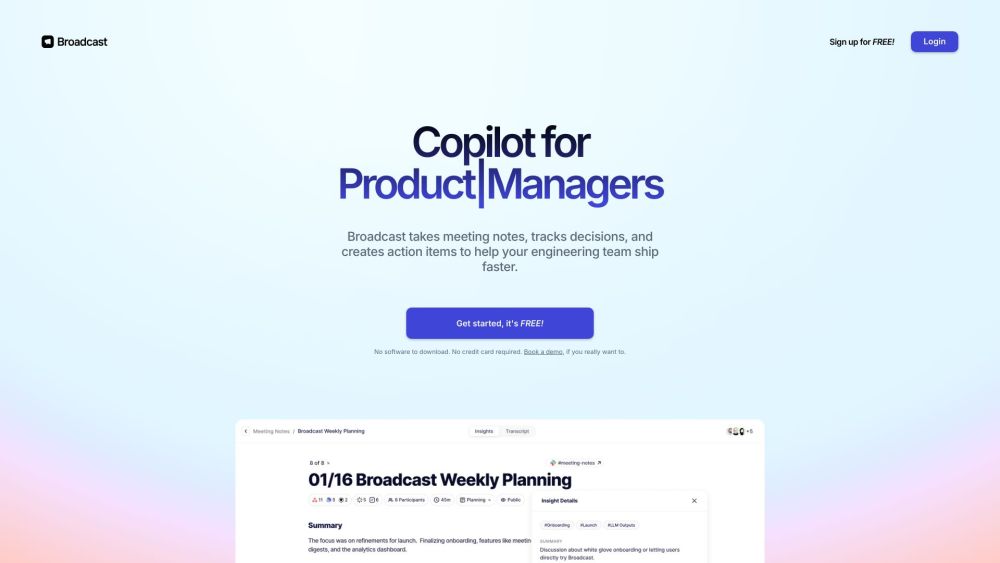
Broadcast is a manager's copilot for meeting notes, decision tracking, and action automation.
Screenshots
Overview
Broadcast acts as a manager's copilot, automating the tedious work of meeting notes, decision tracking, and action items. It captures discussions, distills key takeaways, and ensures follow-ups are assigned and executed without manual oversight. By maintaining a structured record of what was decided and what needs to happen next, Broadcast helps leaders keep teams accountable and projects on track. It's designed for busy managers who spend too much time on administrative follow-up and wants a reliable system to close the loop between conversations and outcomes. The platform integrates seamlessly into daily workflows, turning meetings into actionable progress.
How to Use
Start a meeting in Broadcast and let it record and transcribe the conversation. Afterward, review auto-generated notes and flagged decisions. Assign action items directly to team members, and set up automations to follow up on tasks when deadlines arrive.
Core Features
Use Cases
- 1 Engineering team meeting management
- 2 Product team workflow integration
- 3 1:1 meeting note taking and action item tracking
- 4 Internal meeting AI summarization
Frequently Asked Questions
What sets Broadcast apart from other meeting tools?
Is it safe to start recording internal meetings?
How does Broadcast ensure the security of my recordings?
Who can benefit most from Broadcast?
How does Broadcast utilize AI?
Quick Info
- Category
- Voice Generation & Conversion
- Subcategory
- AI Transcriber
- Added on
- Jan 22 2024
- Monthly Visits
- --
- Rating
- 5.0 / 5.0
- Saved
- 1



