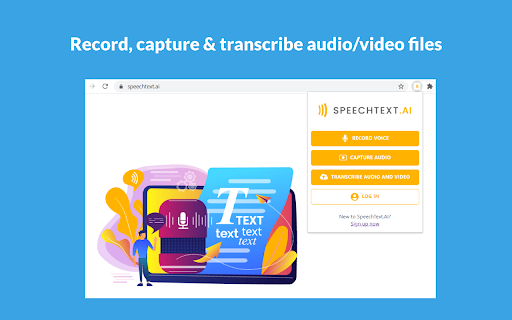
Record voice and capture audio from any web page
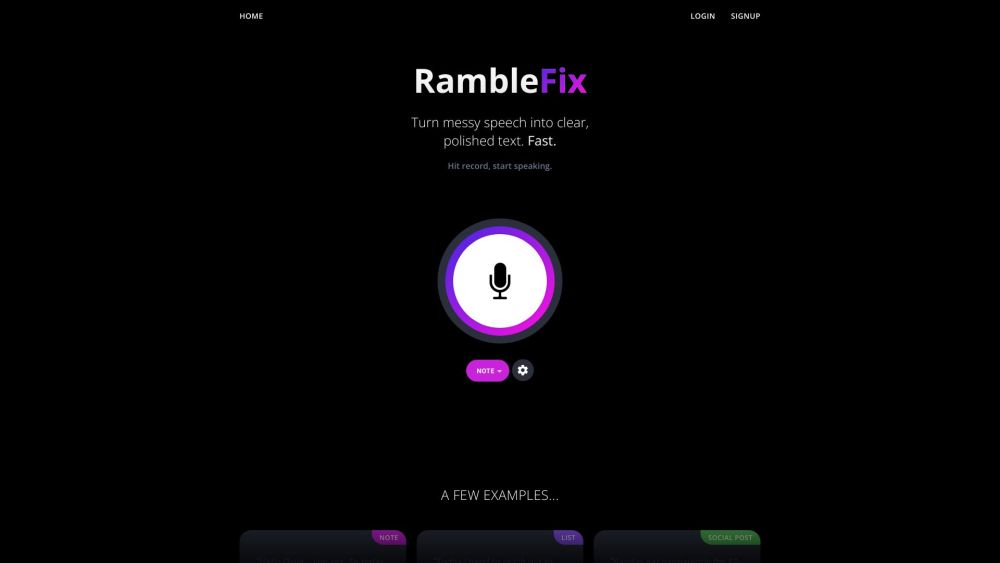
Record audio from web pages and automatically transcribe audio/video files with high accuracy.
Screenshots
Overview
This tool simplifies audio capture by letting you record sound directly from any web page and then automatically transcribing both audio and video files with remarkable accuracy. It is a practical solution for researchers, content creators, and journalists who need to extract quotes or notes from podcasts, webinars, or interviews without manual transcription. Its user-friendly approach makes it accessible for anyone who needs reliable, searchable text from web-based media.
How to Use
Install the browser extension, then navigate to any web page with audio or video. Click the record button to capture the sound, and the tool will automatically transcribe the file with high accuracy for later review.
Core Features
Use Cases
- 1 Transcribing interviews, lectures, or meetings recorded from online sources.
- 2 Creating written transcripts of podcasts or webinars.
- 3 Generating subtitles or captions for videos.
Frequently Asked Questions
How accurate is the transcription service?
Can I record audio from any website?
Quick Info
- Category
- Voice Generation & Conversion
- Subcategory
- AI Transcriber
- Rating
- 5.0 / 5.0