Snipo
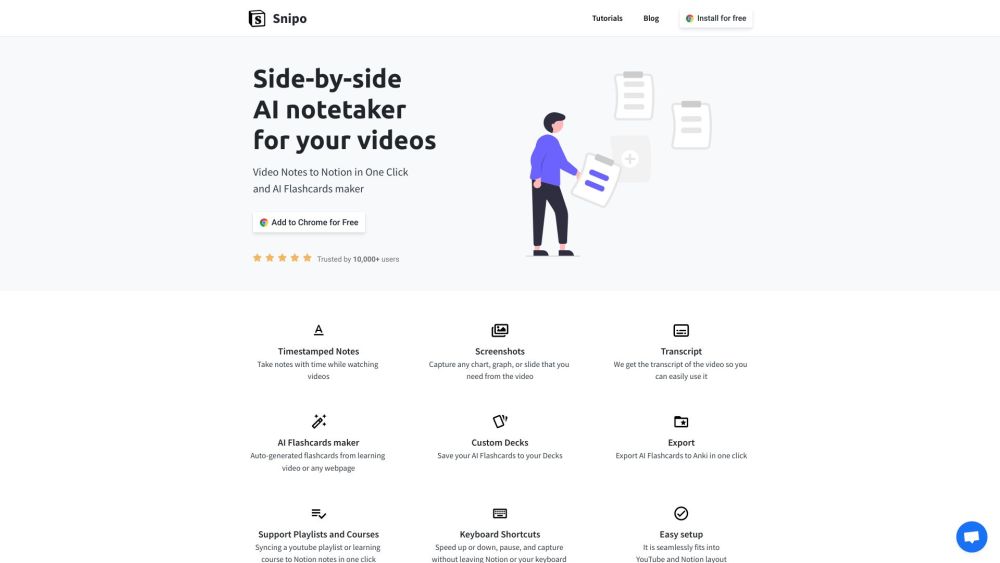
Snipo takes timestamped video notes in Notion with AI flashcards.
Screenshots
Overview
Snipo is designed for students and lifelong learners who take notes while watching video content. It captures timestamped video notes directly inside Notion, ensuring that each quote or idea is linked to the exact moment it appears in the video. Going a step further, Snipo can generate AI flashcards from the notes you take, turning passive viewing into an active study session. It's an efficient workflow for anyone who watches lectures, tutorials, or webinars and wants a streamlined method for review and retention.
How to Use
Install the Snipo browser extension and connect your Notion workspace. While watching a video, take timestamped notes that save automatically to Notion, then convert those notes into AI-generated flashcards for review. Access all notes and flashcards directly from your Notion dashboard.
Core Features
Use Cases
- 1 Taking notes while watching online courses on Udemy, Coursera, Skillshare, and LinkedIn Learning.
- 2 Creating flashcards from educational YouTube videos.
- 3 Capturing key moments and information from video lectures for later review.
Frequently Asked Questions
Does Snipo generate flashcards automatically?
Quick Info
- Category
- Voice Generation & Conversion
- Subcategory
- AI Transcription
- Added on
- Sep 05 2023
- Monthly Visits
- 10.6K
- Rating
- 5.0 / 5.0
- Saved
- 5