ImageToVideoAI
AI-powered platform transforming static images into professional, high-quality cinematic videos.
Screenshots
Overview
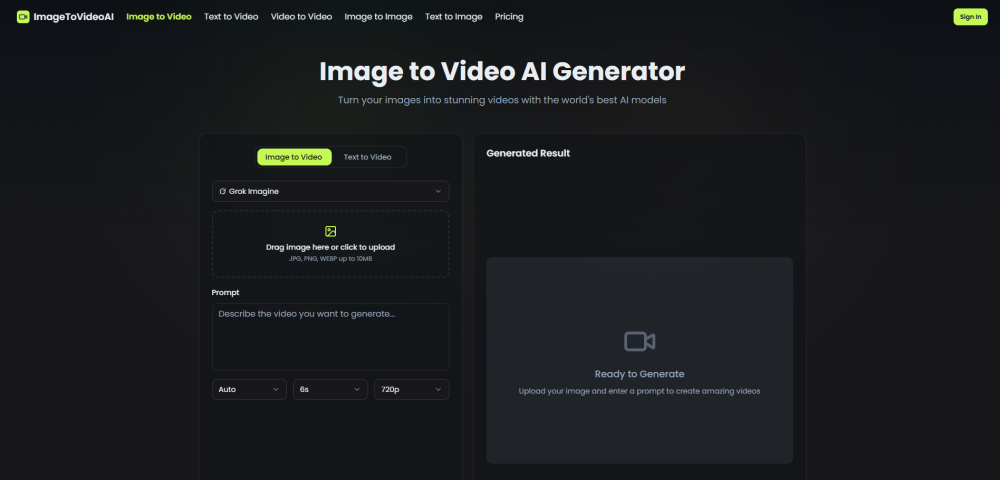
ImageToVideoAI is a specialized platform that breathes life into static pictures, transforming them into professional-grade, cinematic video content. By leveraging advanced AI algorithms, it adds motion and dynamism to otherwise still frames, offering creators a straightforward way to elevate their visual storytelling. It is designed for marketers, content creators, and social media managers seeking to produce high-quality video assets without the need for complex editing software, making video production faster and significantly more accessible.
How to Use
Upload your static image to the platform, then select your desired video style and parameters. The AI processes the image to add motion, creating a cinematic video you can preview and download.
Core Features
Use Cases
- 1 Social media content creation for TikTok, Instagram Reels, and YouTube
- 2 Creating high-converting video ads from product photos
- 3 Generating 360-degree e-commerce product showcases
- 4 Animating educational diagrams and historical illustrations
- 5 Bringing digital artwork and designs to life with motion
Frequently Asked Questions
What AI video models are available on the platform?
Can I use the videos commercially?
How long does it take to generate a video?
Quick Info
- Category
- Image Generation & Editing
- Subcategory
- Text to Image
- Added on
- Mar 24 2026
- Monthly Visits
- --
- Rating
- 1.0 / 5.0
- Reviews
- 1
- Saved
- 1





