Laxis
AI meeting assistant for Google Meet with transcription, summarization, and more.
Screenshots
Overview
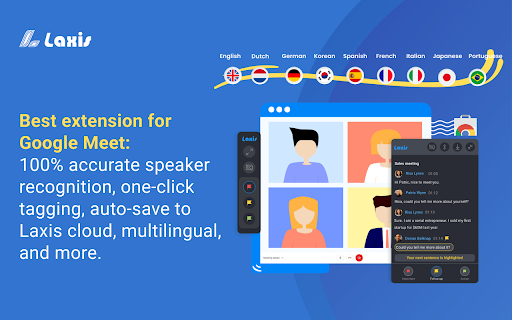
Laxis is an AI meeting assistant designed specifically for Google Meet, bringing transcription and summarization directly into your video calls. As you talk, it captures the conversation in real-time and then helps you distill it into clear, concise summaries that are easy to share. This makes it a go-to tool for busy professionals, educators, and virtual teams who want to stay organized without manual note-taking. Laxis streamlines the entire meeting follow-up process, saving you time and ensuring that important points and decisions are always documented.
How to Use
Activate Laxis within Google Meet, and it will transcribe the conversation live. After the call, open the summarization panel to read key points and export them to your preferred workspace.
Core Features
Use Cases
- 1 Record and transcribe Google Meet meetings
- 2 Highlight key moments during meetings
- 3 Summarize meeting content
- 4 Search across meeting conversations
- 5 Share meeting notes with team members
Frequently Asked Questions
What languages does Laxis support?
How do I switch transcription languages?
How do I save my meeting transcripts?
Quick Info
- Category
- Voice Generation & Conversion
- Subcategory
- AI Transcription
- Rating
- 5.0 / 5.0



