Laxis
AI meeting assistant for Google Meet with transcription, summarization, and more.
Screenshots
Overview
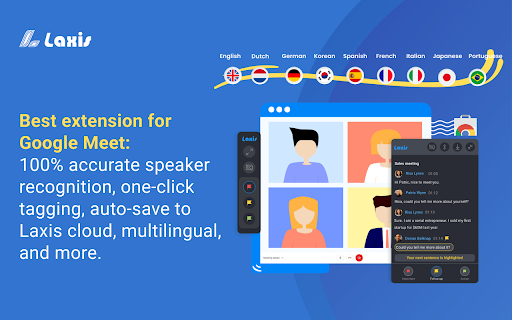
Laxis is an AI meeting assistant for Google Meet that records transcripts and provides features to improve the meeting experience. It offers real-time transcription, speaker recognition, one-click tagging, and auto-saving to the cloud or downloading into various file formats. Post-meeting features include an AI-augmented editor, smart summary, insight and quotation management, and advanced search capabilities.
How to Use
Install the Laxis Chrome extension, start Google Meet in Chrome, and Laxis will automatically launch and enable captions. Keep captions on for real-time transcription. Use highlight buttons to tag important parts. Click the download icon to choose a file format. Register for a free account to auto-save to the Laxis cloud and access advanced features.
Core Features
Use Cases
- 1 Record and transcribe Google Meet meetings
- 2 Highlight key moments during meetings
- 3 Summarize meeting content
- 4 Search across meeting conversations
- 5 Share meeting notes with team members
Frequently Asked Questions
What languages does Laxis support?
How do I switch transcription languages?
How do I save my meeting transcripts?
Quick Info
- Category
- Voice Generation & Conversion
- Subcategory
- AI Transcription
- Rating
- 5.0 / 5.0



