Ekai
Ekai enhances workplace collaboration by automating responses and adding focus hours.
Screenshots
Overview
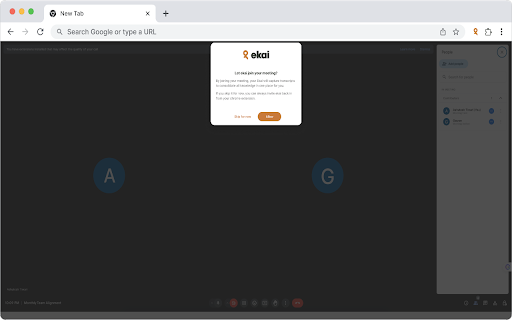
Ekai streamlines workplace collaboration by taking over routine communication tasks. It automatically drafts responses to common messages, keeps threads organized, and carves out protected focus hours so teams can do deep work without constant interruptions. Rather than replacing human input entirely, Ekai handles the repetitive back-and-forth, letting employees concentrate on higher-value tasks. It's suited for busy professionals and teams who want cleaner workflows, less context switching, and more intentional time for meaningful work.
How to Use
Connect Ekai to your workplace communication tools like Slack or Teams. It automatically drafts and sends responses to routine messages, freeing up your time. You can also set focus hours during which Ekai holds non-urgent communications, allowing you to work without interruptions.
Core Features
Use Cases
- 1 Automating responses to common questions
- 2 Quickly retrieving information from meeting transcripts
- 3 Tracking the history of ongoing and past meetings
Frequently Asked Questions
What does Ekai do?
How does Ekai work with Google Meet?
How can I ask questions about a meeting?
Quick Info
- Category
- Voice Generation & Conversion
- Subcategory
- AI Transcription
- Rating
- 5.0 / 5.0