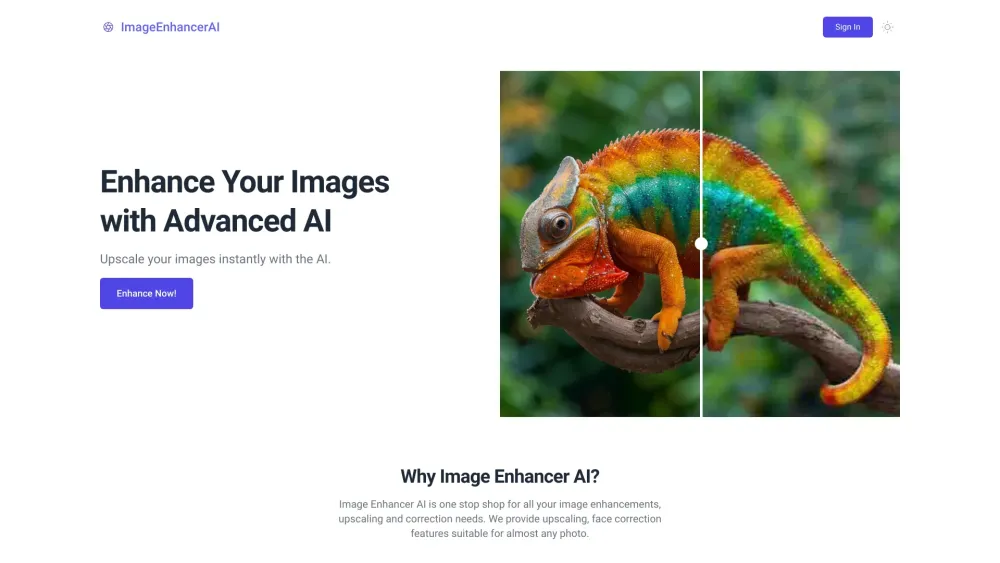
Image Enhancer AI
AI-powered platform to enhance and upscale images with various tools.
Screenshots
Overview
Image Enhancer AI is a powerful platform designed to improve and upscale your images using artificial intelligence. It offers a range of tools to sharpen details, increase resolution, and restore quality, making it ideal for photographers, e-commerce sellers, and graphic designers working with low-quality or older visuals. The AI automatically analyzes each image, applying smart enhancements that preserve natural detail while boosting clarity. It's a straightforward solution for anyone who needs polished, high-resolution images without manual retouching or complex software.
How to Use
Upload an image to the platform, then choose an enhancement or upscaling tool. Adjust settings like resolution or quality, apply the enhancement, and download the improved version.
Core Features
Use Cases
- 1 Enhance blurry photos to improve clarity and resolution.
- 2 Upscale low-resolution images for better print quality.
- 3 Remove backgrounds from product photos for e-commerce.
- 4 Generate new images from text descriptions using AI.
- 5 Retouch portraits for professional-looking results.
Frequently Asked Questions
What is Image Enhancer AI?
What tools are available on Image Enhancer AI?
Is Image Enhancer AI easy to use?
Is my privacy protected when using Image Enhancer AI?
Quick Info
- Category
- Image Generation & Editing
- Subcategory
- Text to Image
- Added on
- May 25 2024
- Monthly Visits
- --
- Rating
- 5.0 / 5.0


