image 2
A dedicated AI workspace for generating and refining images and videos.
Screenshots
Overview
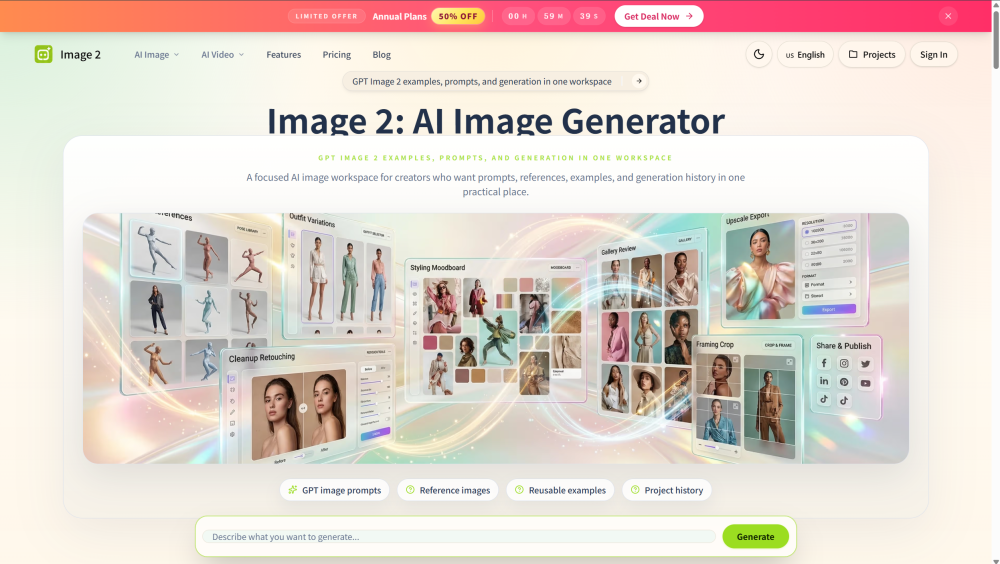
Image 2 is a focused GPT Image 2 workspace designed for creators to create, edit, and refine AI-generated images and videos. The platform centralizes prompts, reference images, style options, examples, and project histories in one layout, enabling users to transform rough ideas into well-structured instructions. It provides dedicated tools for text-to-image and text-to-video generation, supporting specific content channels like sports fan cam photos and city tour visuals.
How to Use
To use Image 2, write a detailed text prompt describing your subject, scene, and lighting. Optionally, upload a reference image to provide a visual anchor for layout or style. Select your preferred style lane—such as Photo, Illustration, Painting, Poster, or 3D—adjust your target layout aspect ratio, and click generate to create and compare visual variations.
Core Features
Use Cases
- 1 Creating and refining campaign mood boards and product concepts
- 2 Designing channel-specific visual ads, landing page graphics, and social media posts
- 3 Generating specialized content like World Cup, Korean Baseball, and F1 fan cam photos or videos
Frequently Asked Questions
What is Image 2 for GPT Image 2?
Can GPT Image 2 use a reference image on this platform?
What visual styles does the workspace support?
Quick Info
- Category
- Image Generation & Editing
- Subcategory
- Text to Image
- Added on
- Jun 24 2026
- Monthly Visits
- --
- Rating
- 5.0 / 5.0




