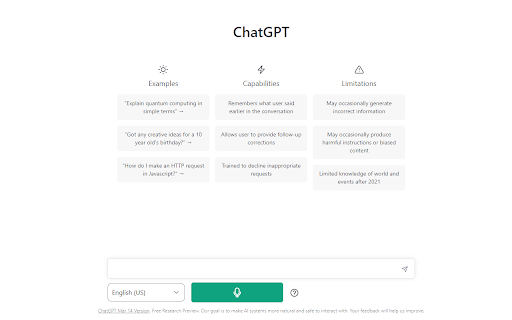
Screenshots
Overview
Voiceboost is a Chrome extension that brings hands-free voice control to ChatGPT. Instead of typing prompts, users speak naturally, and the extension converts their speech into text that feeds directly into ChatGPT. It's designed for anyone who wants a faster, more conversational way to interact with the AI — whether that's multitasking, dictating longer prompts, or simply preferring to talk rather than type. The extension streamlines the ChatGPT experience by making voice input seamless and immediate.
How to Use
Install the extension from the Chrome Web Store, then open ChatGPT in your browser. Click the extension icon or use the designated shortcut to enable voice input, allowing you to speak your prompts instead of typing them. The extension transcribes your speech into the chat box, and you can submit it normally.
Core Features
Use Cases
- 1 Hands-free interaction with ChatGPT
- 2 Dictating questions and prompts to ChatGPT
Frequently Asked Questions
How do I start recording my voice?
How do I stop recording and submit my voice input?
Do I need to grant microphone permissions?
Quick Info
- Category
- Voice Generation & Conversion
- Subcategory
- AI Voice Assistants
- Rating
- 5.0 / 5.0
Official Links
Related Tools

Voiceflow

AI Voice Generator by AIVocal
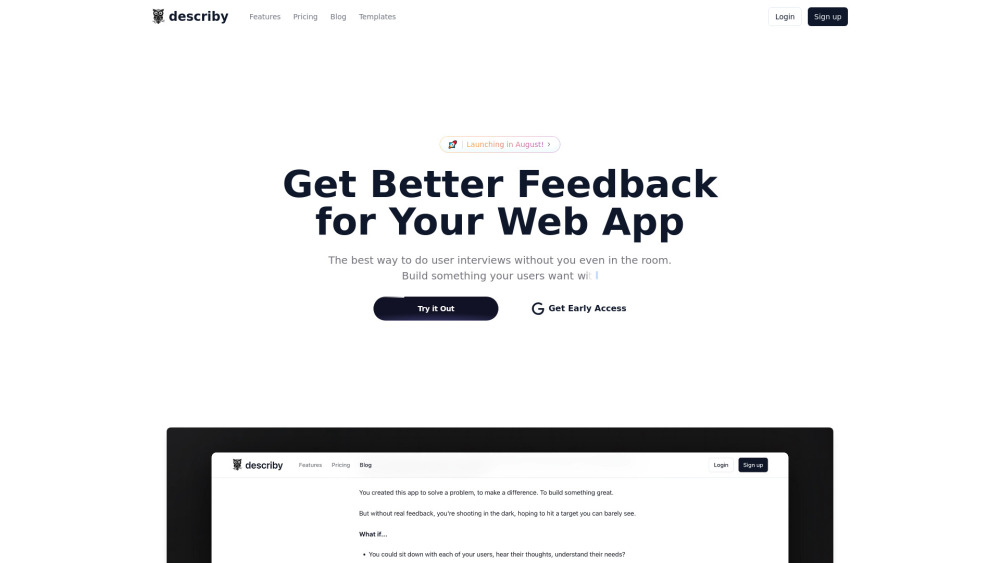
describy

Aisera
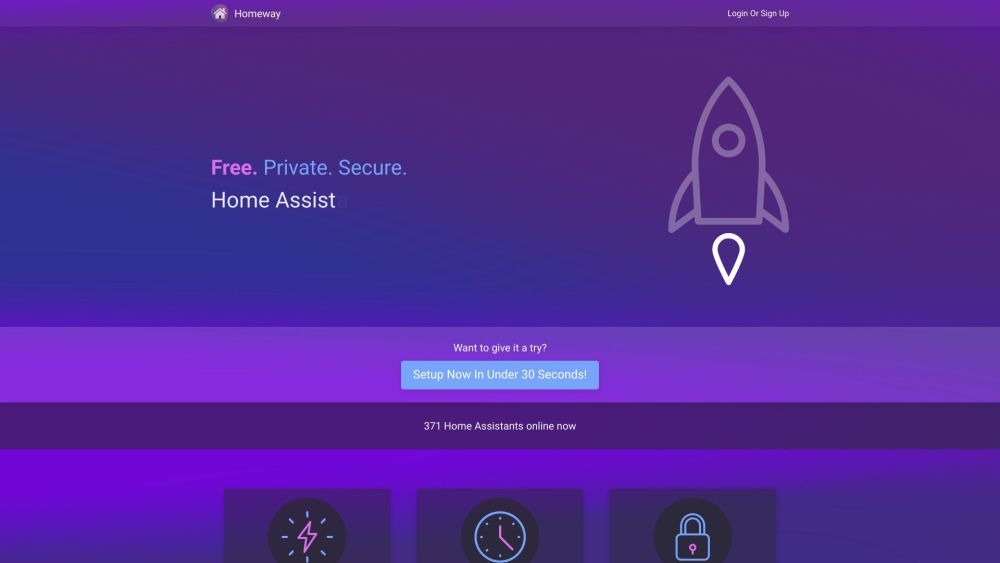
Homeway

VOYP - Voice Over Your Phone
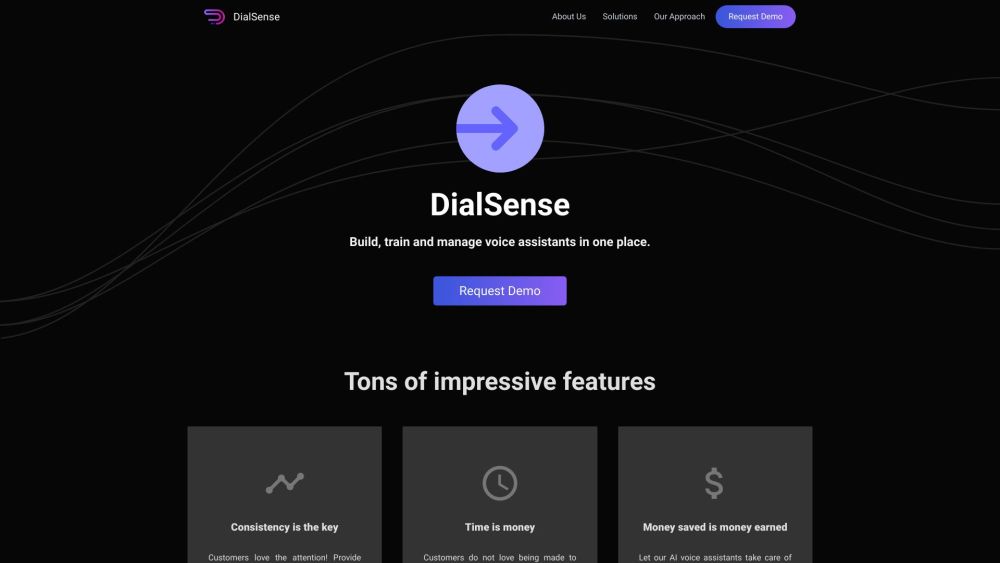
DialSense
