ChatGPT Voice Master
Voice plugin for ChatGPT enhancing communication with high recognition and multi-language support.
Screenshots
Overview
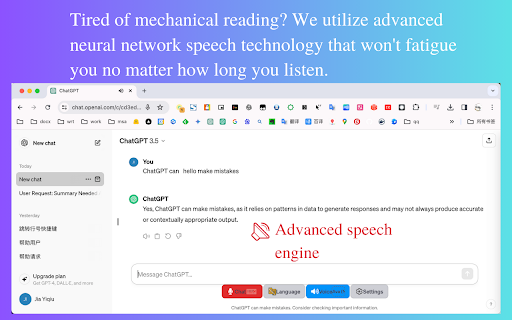
ChatGPT Voice Master is a voice plugin designed to enhance human-machine communication with chatbots. It offers exceptional neural network voice services, allowing users to interact with chatbots as if conversing with a real person. The plugin emphasizes input-output effectiveness, featuring high recognition rate voice recognition and convenient sidebar access. It supports multiple languages, automatic translation, and various features to improve work efficiency and user experience.
How to Use
Download and install the ChatGPT Voice Master plugin. Access it through the ChatGPT sidebar on any page. Wake up the assistant with the word 'one'. Use voice commands for input and interact with the chatbot. Utilize the sidebar for convenient access to features like copying content and searching history.
Core Features
Use Cases
- 1 Efficiently interact with chatbots using voice commands
- 2 Translate chatbot replies to your native language automatically
- 3 Quickly search historical chat records
- 4 Enhance work efficiency with voice input and sidebar features
Frequently Asked Questions
Q:Is ChatGPT Voice Master free to use? A:It offers a free tier with limited coins; paid plans add more capacity. Q:What languages does ChatGPT Voice Master support? A:It supports many major languages for speech recognition and replies. Q:How do I wake up the voice assistant? A:Use the designated wake word or click the microphone icon to start. Q:How do I purchase more coins? A:Coins can be purchased through the plugin's pricing page or your account.
Quick Info
- Category
- Voice Generation & Conversion
- Subcategory
- AI Voice Assistants
- Rating
- 5.0 / 5.0





